What GitHub is and how it helps you even if you don't code
What a repository is, what a commit is, and why your project's code should live on GitHub under your name.
By Bruno Varela · September 28, 2026 · 7 min

GitHub is an online platform where a software project's code is stored along with its full history of changes. Think of a folder in the cloud that remembers every version of every file, who changed it and why. Everyone works there, from people writing their first program to teams at huge companies.
Even if you don't code, understanding GitHub helps you: if you hire someone to build an app, a website or a system, that's where your code should live. And if you want to use an open source tool, like Chatty, that's where you'll find it.
En corto
- GitHub stores a project's code and its entire history.
- A repository is the project's folder; a commit is each saved change.
- If you hire developers, ask for the repository to be under your business's name.
What GitHub is, in plain words
Imagine Google Drive, but built for code. Each project has its own folder and, instead of keeping only the latest version of each file, it keeps all of them. If something breaks, you can go back to how it was yesterday or a month ago.
GitHub is also built so several people can work on the same project without stepping on each other: everyone makes their changes, proposes them, and someone reviews them before they're merged with the rest.

Git and GitHub are not the same thing
Git is the program that handles version control: it records every change. It runs on the developer's computer, even without internet. GitHub is the online service where that history is uploaded to be stored, shared and worked on as a team.
There are similar services, like GitLab or Bitbucket, but GitHub is the best known, and it's where most of the open source code you'll find lives.

What a repository is
A repository (or *repo*) is a project's folder on GitHub. Inside is all the code, the instructions to install it and the full history. It can be public, so anyone can see it, or private, so only the people you invite can get in.
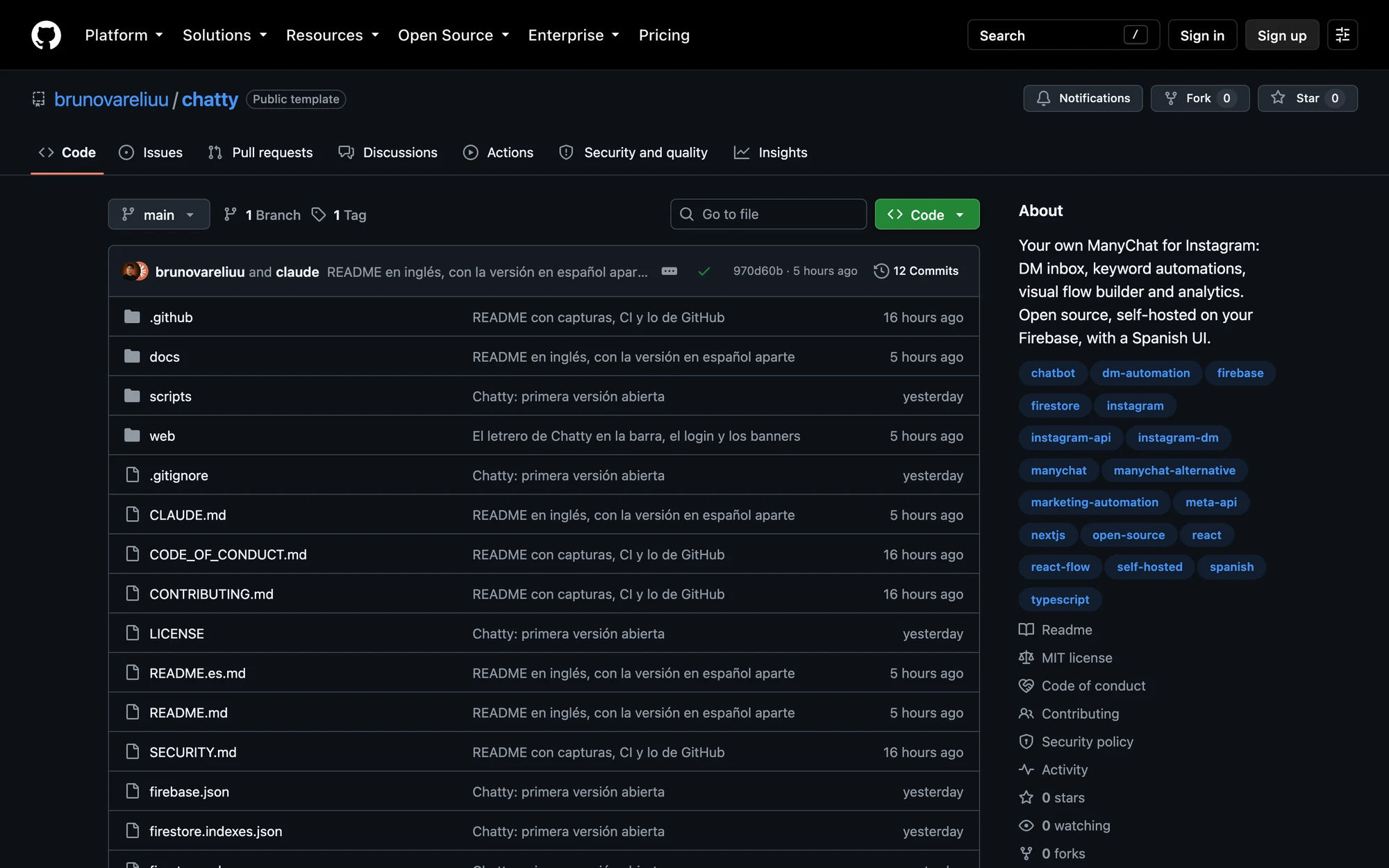
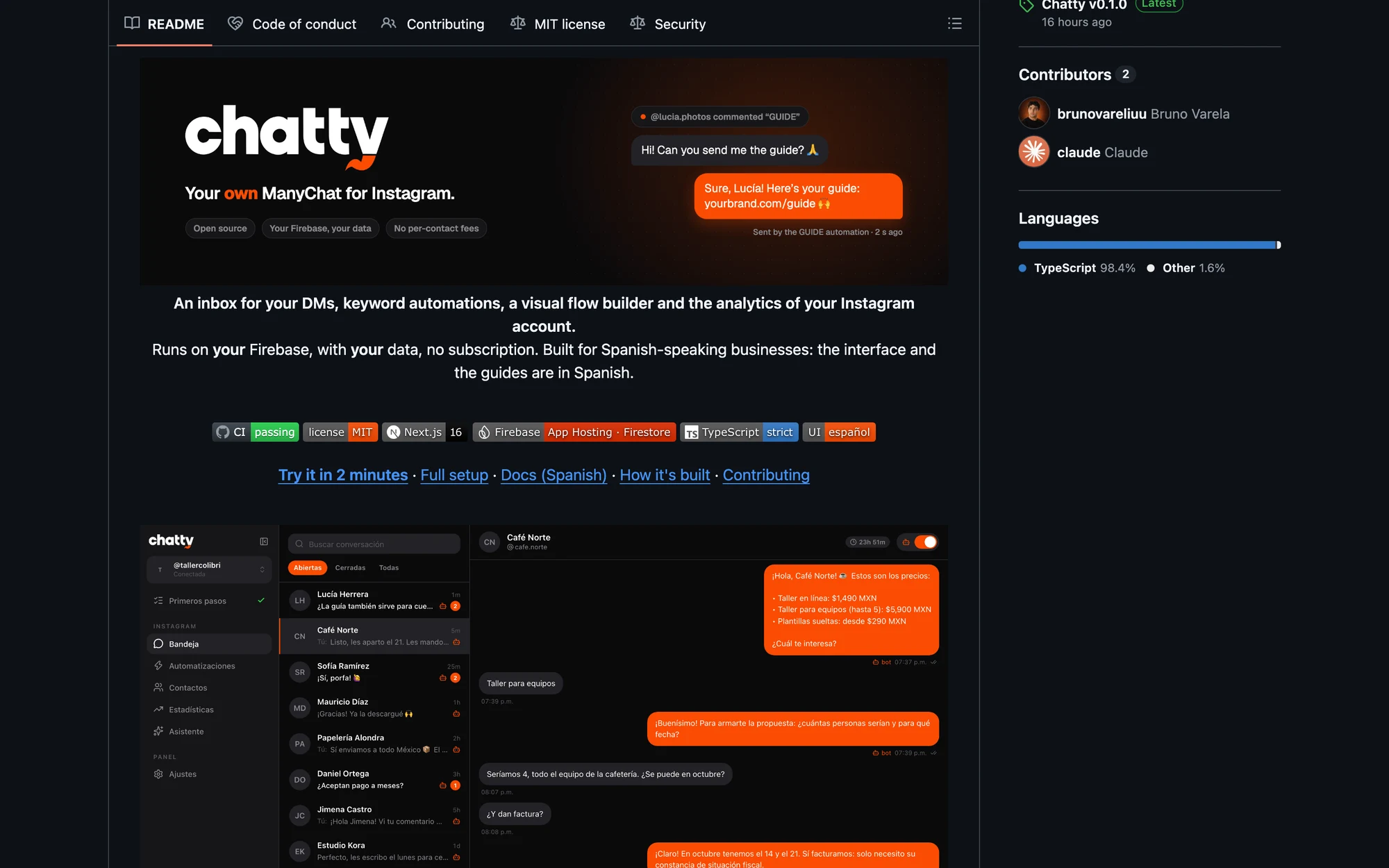
Almost every repository has a file called README: the welcome manual. It explains what the project does, how to install it and how to use it, and GitHub shows it below the file list.
What a commit is and why it matters
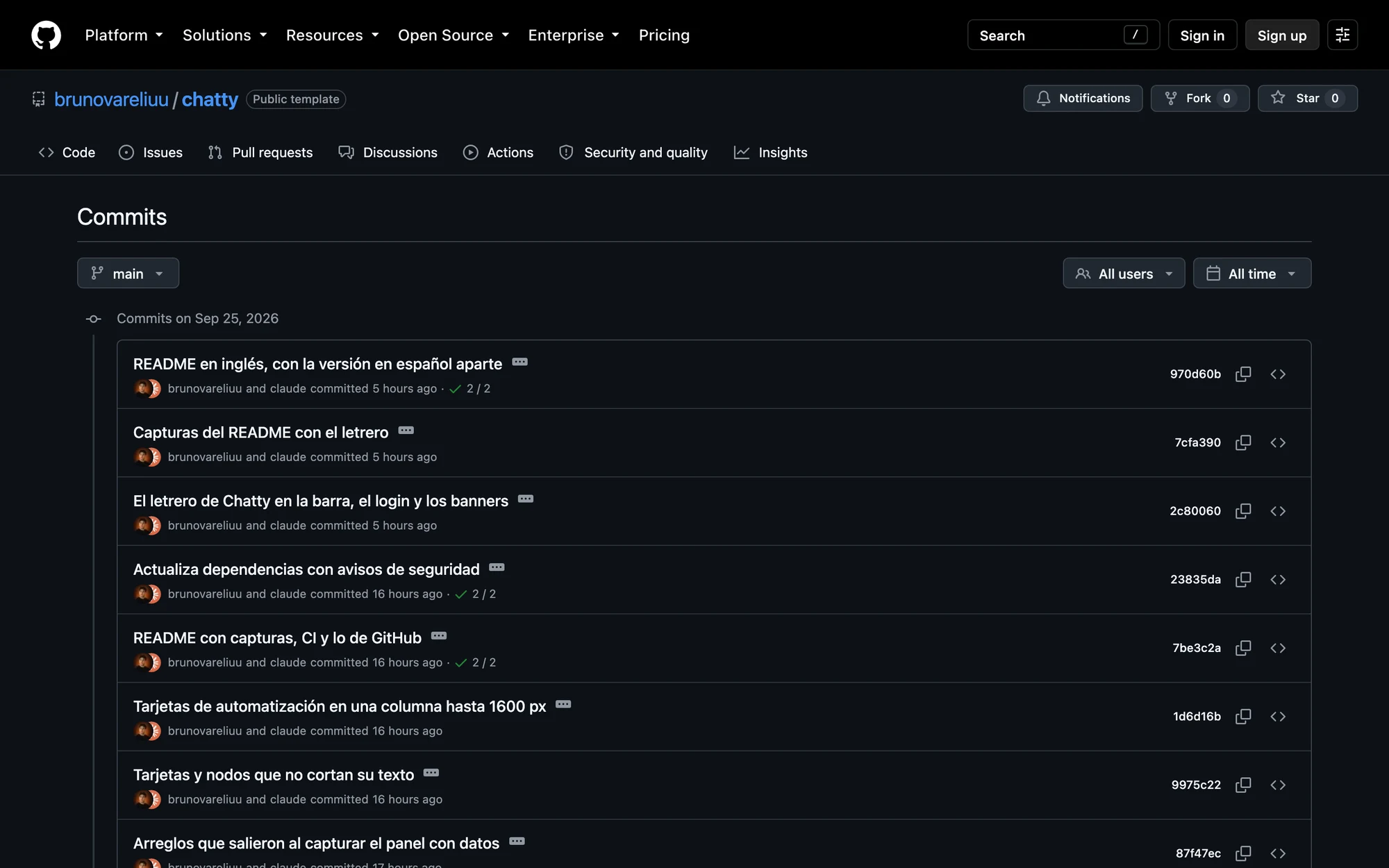
A commit is a saved change with a note explaining what was done, like "Fix the cart total". Each commit keeps the date and the name of whoever made it.
For you, if you don't code, the commit history is the project's logbook: you can see that work is really moving, what changed this week and when a bug showed up.
How GitHub helps you if you don't code
- Owning your project. If the code lives in your business's account, it doesn't depend on one person. If you switch providers, the next one picks up where the last one left off.
- Seeing progress. The commit history tells you what was done and when, without having to ask.
- Having a backup. Even if the developer's computer breaks, the code is safe.
- Using free tools. There are thousands of open source projects you can download and use, like Chatty, our ManyChat alternative for Instagram.
- Showing your work. If you're learning to code, your GitHub profile is your portfolio.
And you don't have to pay to get started: GitHub's free plan includes unlimited public and private repositories, for both individuals and organizations.
How to ask your developer to use GitHub under your name
- Create an account for your business. Go to github.com and sign up with a business email, not the developer's personal one.
- Create an organization or a private repository. If several people will work on it, an organization lets you manage who gets in. For a small project, a private repository is enough.
- Invite your developer as a collaborator. From the repository settings you give them access to push their work. You stay the owner.
- Agree to push work often. That way you see progress in the history and nothing piles up at the end.
- Keep your credentials. The account password and two-factor authentication should be yours. If someone leaves, you remove their access and the project stays.
If someone already built a project for you and the code is in their personal account, ask them to transfer it. GitHub lets you move a repository to a new owner, who fully manages it from that moment on.
The transfer is done from the repository settings and nothing has to be uploaded again.
How to use an open source project from GitHub
An open source project is one whose code is published so anyone can use it, study it and improve it. It usually comes with a license that says what you can do with it; the MIT license, for example, lets you use it even in your business.
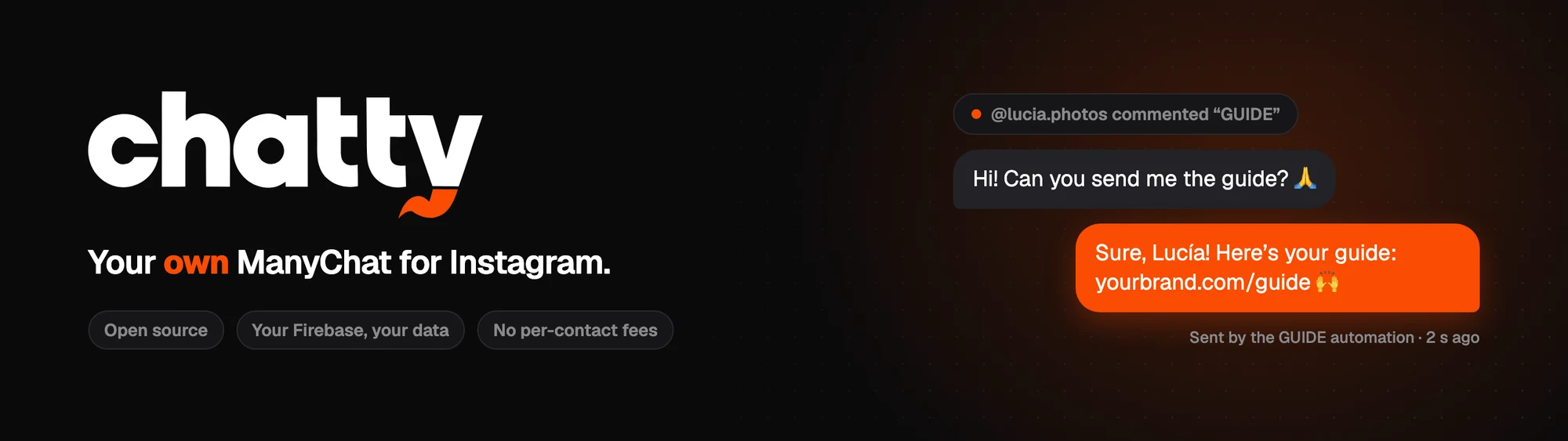
To use it, you almost always follow the README. In Chatty, for example, the Use this template button creates a copy of the project in your account, and the repository's guides take you step by step until it's working with your Instagram.
GitHub and artificial intelligence
Today many AI coding tools work directly on a repository: they read the code, propose changes and leave them as commits for a person to review. Keeping your project organized on GitHub also gets you ready to work with AI.

If you have a half-finished project, code you can't locate, or you want to start a new one with everything in order from day one, talk to us. In the quote tool you tell us what you need: we give you a real price range and then reach out to fine-tune it with you.
Preguntas frecuentes
Is GitHub free?
It has a free plan that covers most projects, with unlimited public and private repositories. Paid plans add features for teams and companies.
Is my code visible to everyone?
Only if the repository is public. A private repository can only be seen by the people you invite.
What's the difference between Git and GitHub?
Git is the program that records changes on the developer's computer; GitHub is the online service where that history is stored and shared.
Do I need to know how to code to have an account?
No. Creating an account, browsing repositories, reading the history and inviting people all happen on the website, without writing code.
What happens if my developer stops answering?
If the repository is yours, you lose nothing: the code and its history are still there for whoever continues the project. That's why it should be under your name from the start.
Sources
- About GitHub and Git — GitHub Docs
- Pricing — GitHub
- Transferring a repository — GitHub Docs