Automating WhatsApp and Instagram for your business: when it pays off
What you can automate, which option fits, Meta's rules, what drives the price and a real case.
By Bruno Varela · October 22, 2026 · 10 min
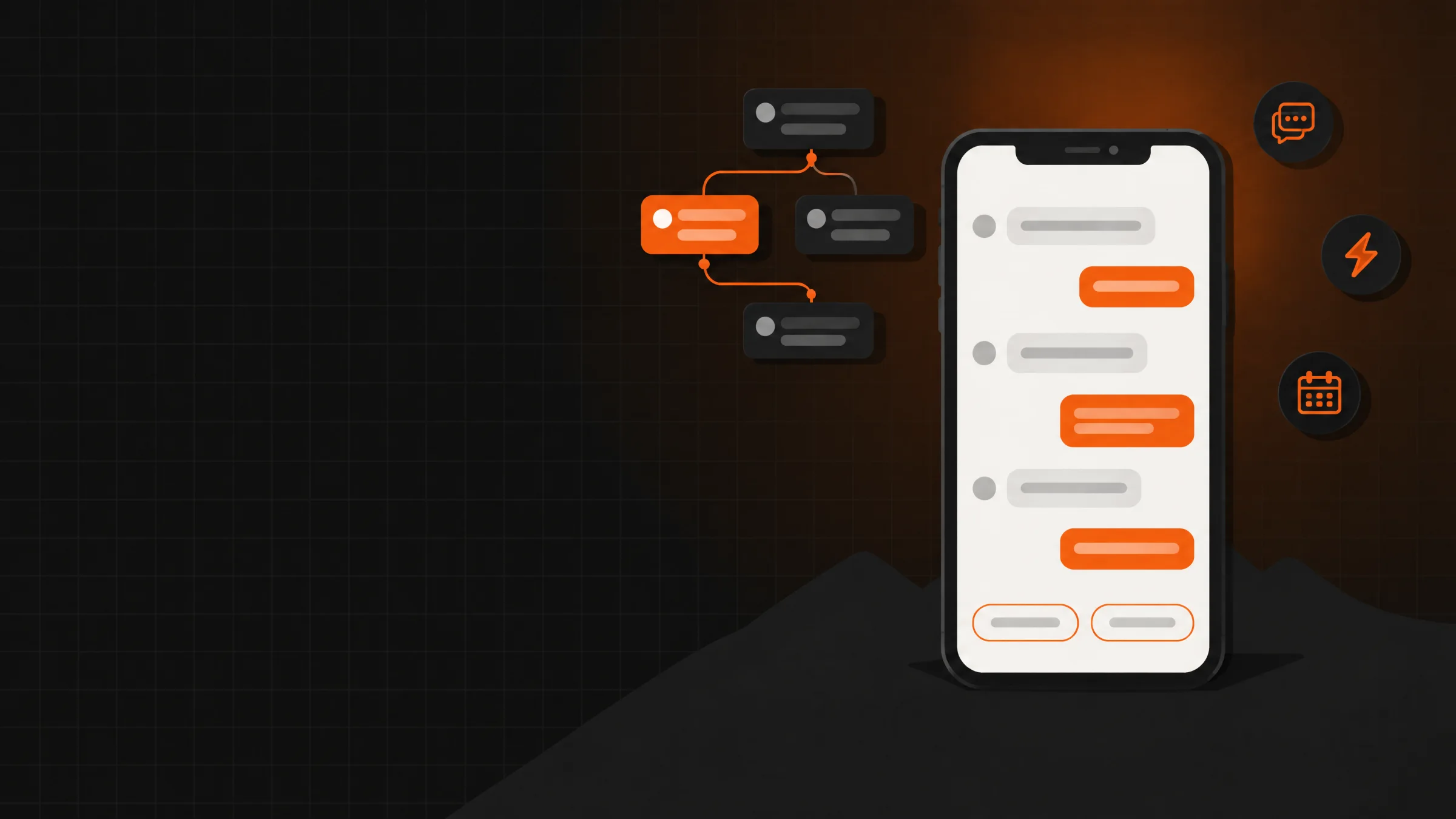
Automating WhatsApp and Instagram for your business means letting a system answer what people always ask, send the link or information you promised and log everyone who writes in, so you only step in when it's needed. It pays off when messages already eat up hours of your day or when you lose customers because nobody answered in time.
Here we cover what can be automated, the signs that you need it, which option fits (the app, a platform or something custom), the Meta rules that apply to everyone, what drives the price and a real case. If you already know what you want, tell us in three steps in the quote tool.
En corto
- What gets automated most: frequent questions, «comment a word and I'll send you the link», appointments, orders, reminders and tagging every lead.
- For a few messages, the WhatsApp Business app and its quick replies are enough; bots and integrations use Meta's official API.
- A subscription platform works for standard flows; something custom pays off when messages need to talk to your catalog, your orders or your system.
- Meta sets the same rules for everyone: a 24-hour window, approved templates on WhatsApp and the person's permission before you message them.
What you can automate on WhatsApp and Instagram
Most of the messages a business gets are repeats. This is what gets automated most often:
- Frequent questions. Hours, location, payment methods, shipping and requirements, answered instantly at any time.
- «Comment a word and I'll send you the link». Someone comments on your Instagram post and gets what you promised in a private message.
- Appointments and bookings. The bot asks for a day and time, checks what's available and confirms.
- Orders and quotes. It takes the order details or sends the customer to your catalog or quote tool.
- Reminders and notices. Your order is ready, your appointment is tomorrow or what you were waiting for has arrived.
- Tagging leads. Every person is saved with what they asked for and where they came from, so you can follow up.
- Handing off to a person. When the question goes off script, the conversation is ready for someone on your team to pick up.
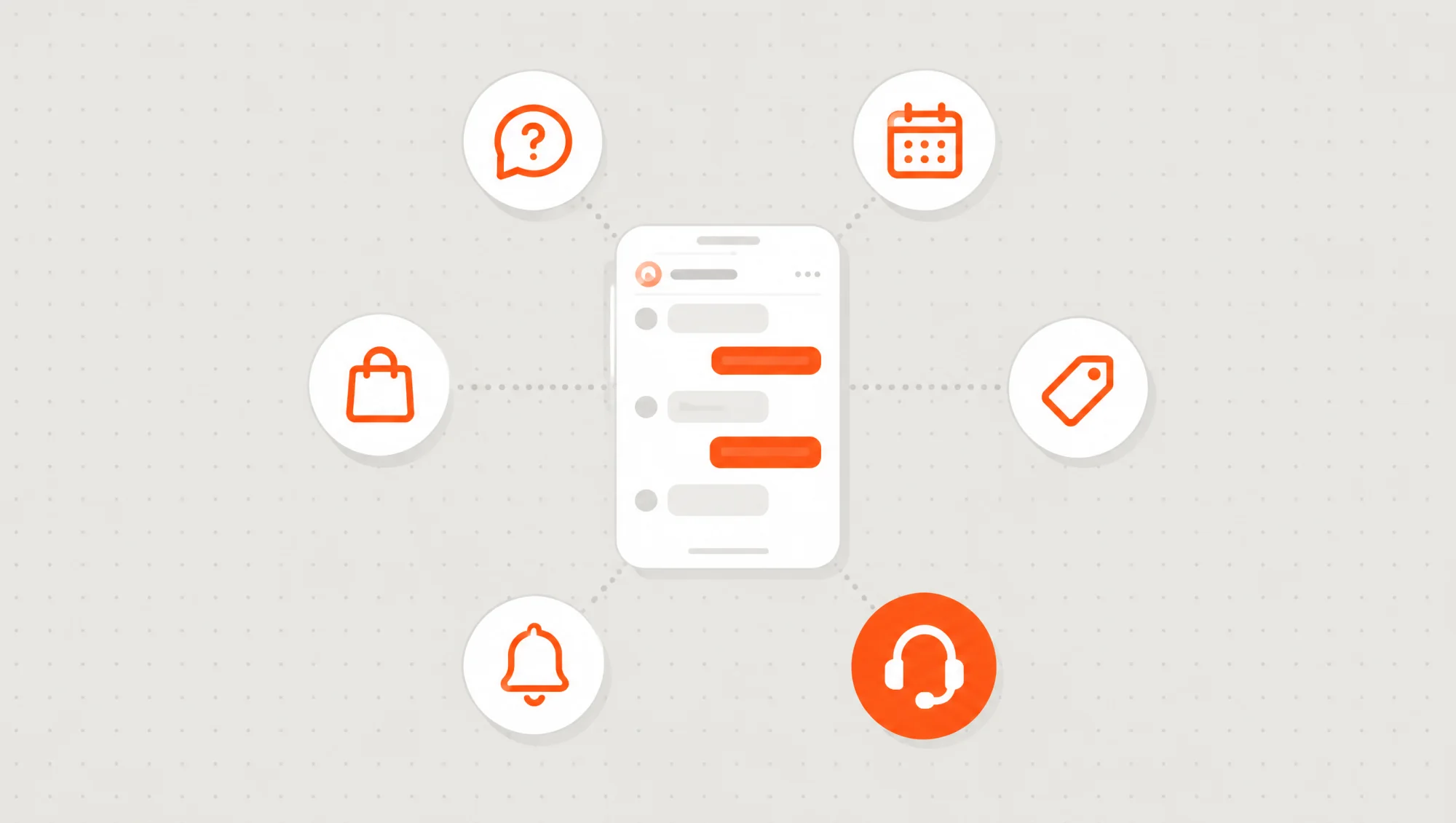
You don't have to automate everything. What pays off most is starting with the message that repeats the most and the moment where you lose the most customers.
Signs it's time to automate your messages
Answering by hand works until it doesn't. These are the most common signs:
- You answer the same thing several times a day. Prices, hours, «do you ship?».
- Messages sent at night or over the weekend go cold. By the time you reply, they've bought from someone else.
- Several people answer from the same phone. And nobody knows who already replied to whom.
- Your posts ask people to comment a word. And sending every link by hand takes hours.
- You don't know how many leads you get or where they come from. Everything lives in the chat and nothing in a list.
- You copy data from the chat somewhere else. An order comes in on WhatsApp and someone types it into a spreadsheet or your system.
If two or three of these sound familiar, automating isn't about looking modern: it's about no longer losing sales and hours.
WhatsApp Business, a platform or something custom
There are three paths, and each one has its place:
- The WhatsApp Business app. It's free and includes a greeting message, an away message, quick replies, labels and a catalog. For a business with few messages, it's often enough.
- A subscription platform (ManyChat and similar). They're quick to set up, come with ready-made flows and charge a monthly fee that usually grows with your contacts.
- Something custom. It connects to Meta's official API and is built around your process: your questions, your catalog, your order system and your rules.
A subscription platform
- Up and running quickly, no coding.
- Works well for standard flows: questions, links and tags.
- The monthly fee usually grows with your contacts.
- Connecting it to your system depends on what the platform allows.
- Your conversations live on another company's servers.
A custom automation
- Built around your process and your rules.
- Talks to your catalog, your orders, your calendar or your system.
- You pay for the build plus what you use in servers and Meta fees, with no per-contact charge.
- Grows in phases: first one channel and one flow, then the rest.
- The code and the data are in your name.
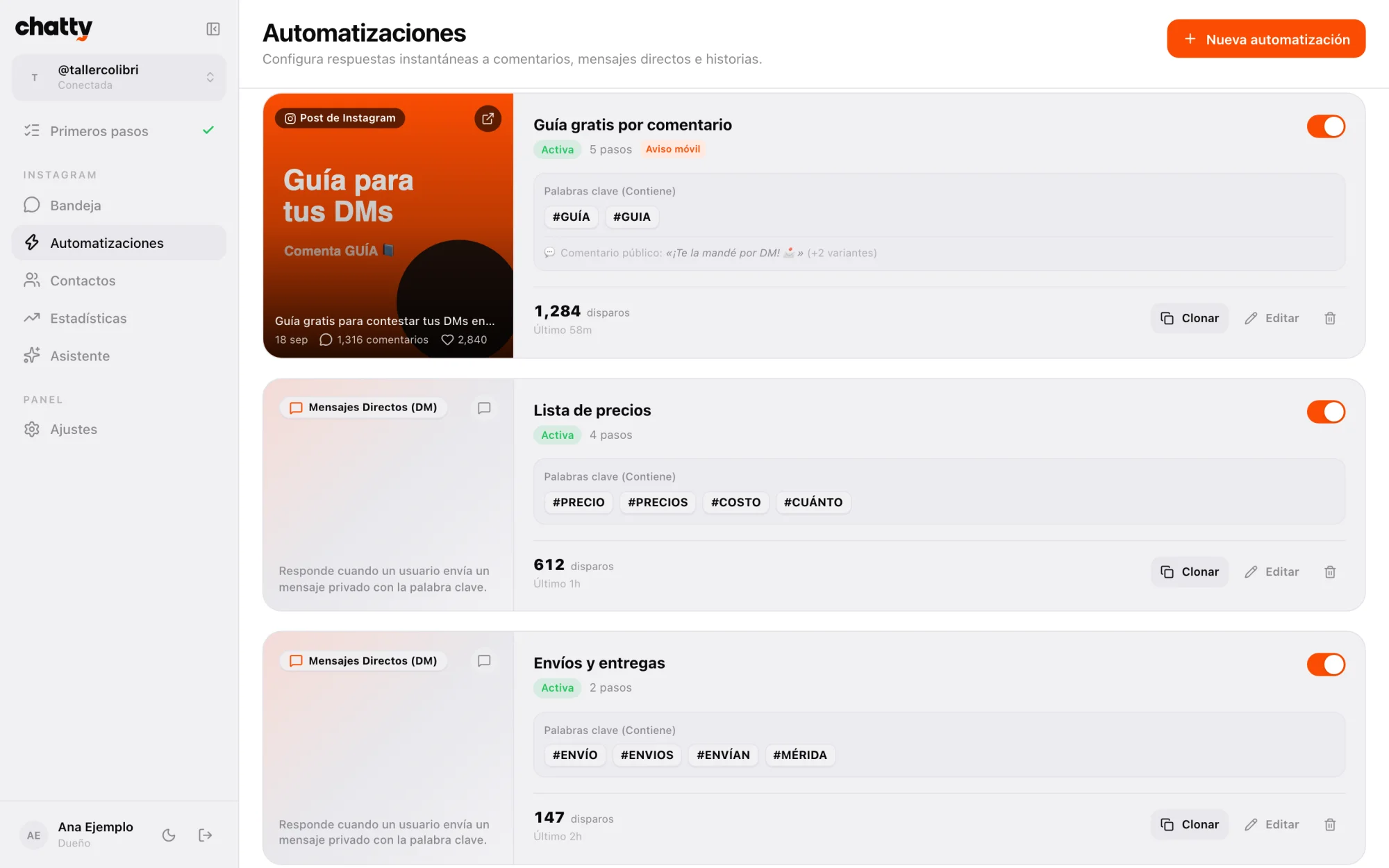
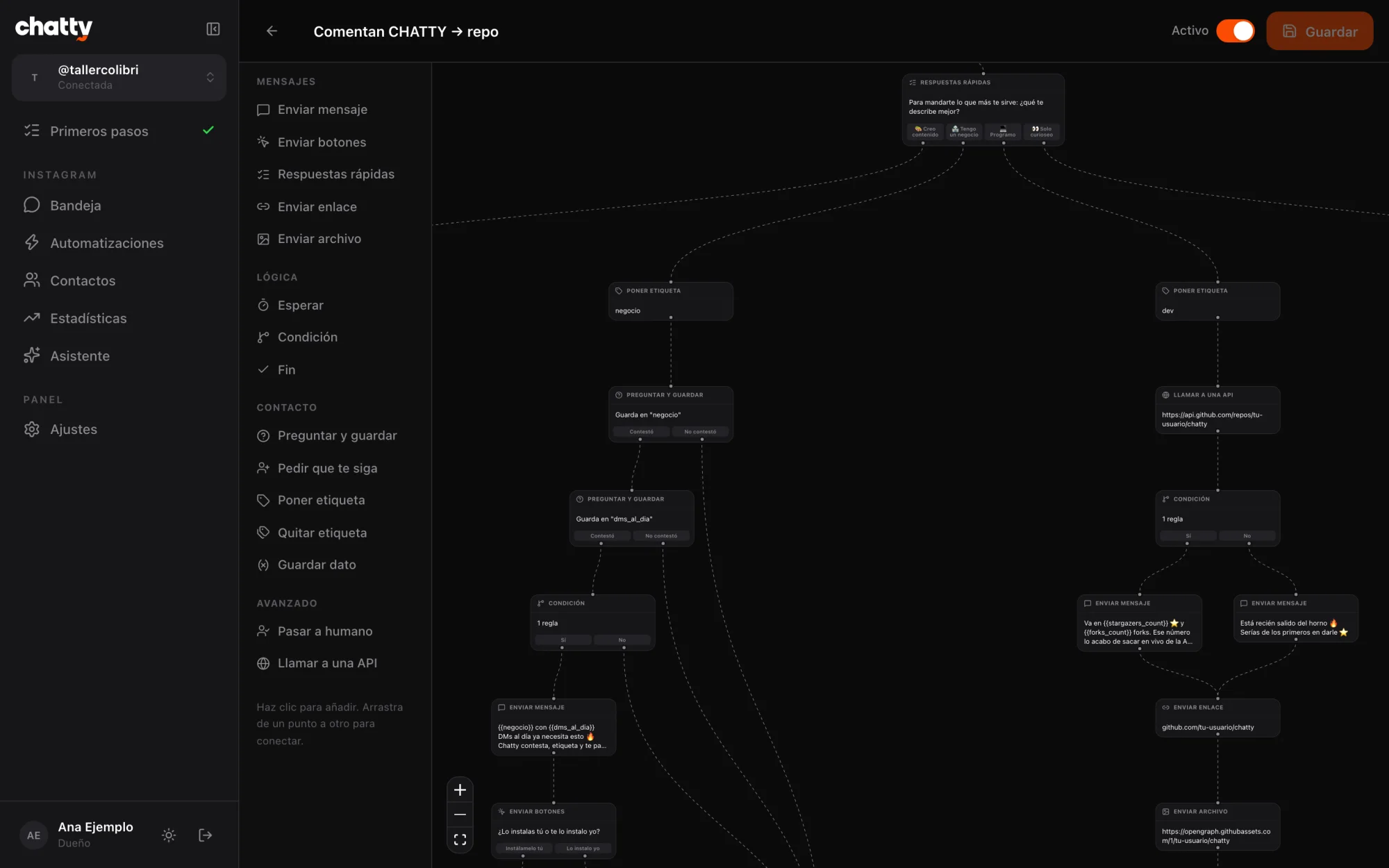
For Instagram we built Chatty, an open-source ManyChat alternative that runs on your own Firebase. If you only need Instagram and someone on your team knows development, it may be all you need.
The Meta rules that apply to any tool
WhatsApp and Instagram belong to Meta, and its rules apply equally to the app, a platform and a custom build. It's worth knowing them before designing anything:
- 24-hour window. You can message someone freely for 24 hours after their last message.
- Templates on WhatsApp. Outside that window, the API only lets you send templates Meta approved in advance, and those are charged per message.
- Permission before you write. On WhatsApp, the person must have agreed to receive your messages. Mass-messaging people who didn't ask for it ends in blocks.
- One private message per comment on Instagram, within the following 7 days. The rest of the flow waits for the person to reply.
- Professional account and app review. Instagram requires a business or creator account, and to serve the public Meta reviews the app that connects to it.
Be wary of anyone offering to send thousands of messages to numbers that never wrote to you. Besides annoying people, Meta can block your number or your account.
Automating without losing the human touch
A good bot doesn't try to answer everything. It handles what repeats, gathers the details you need and, when the conversation goes off script, hands it to a person with all the context. That way the customer doesn't have to repeat anything and your team only steps in where it really adds value.
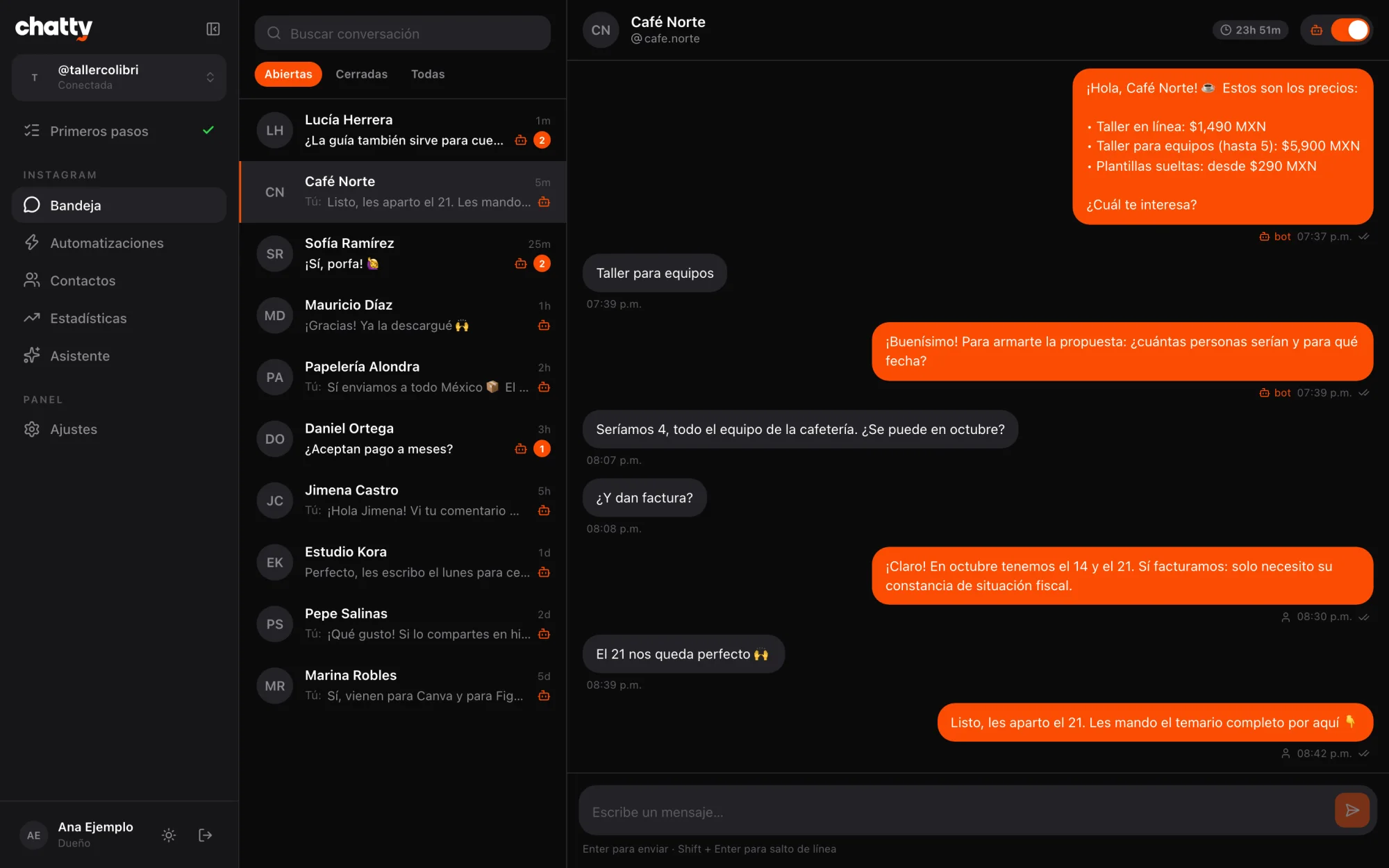
With artificial intelligence, replies can sound more natural and understand questions written a thousand different ways. Even so, what the customer is told (prices, timelines, policies) has to come from information you control.
A real case: from an Instagram comment to the quote tool
On the @brunovareliuu account we use this flow every day. It isn't a demo: it's how leads reach us.
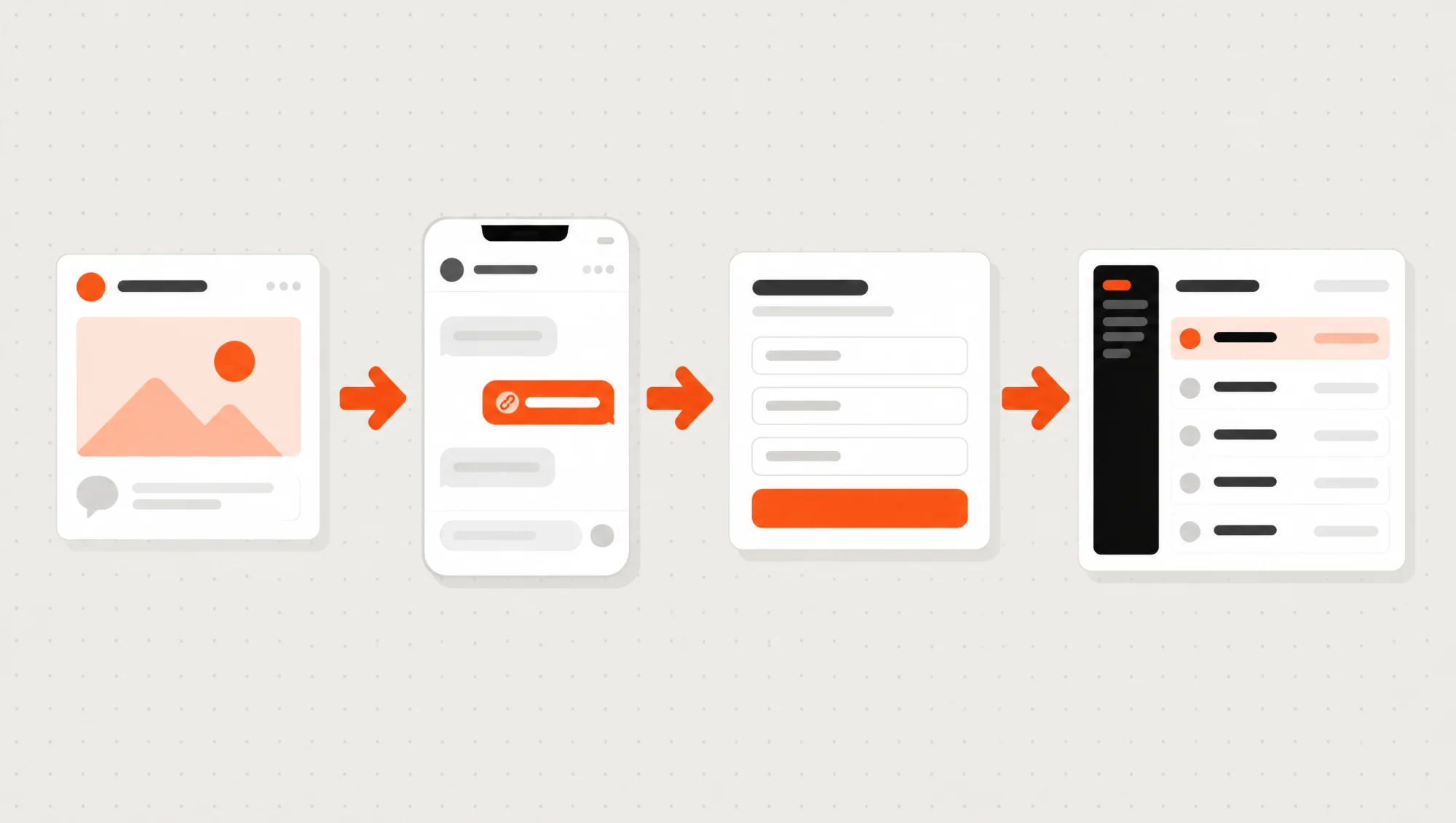
- Someone comments on a post. Meta notifies our server right away.
- They get a private message. With the link to our quote tool, which already knows they came from Instagram and from which account.
- They pick what they need. In three steps: their details, the type of project and what it should include.
- The request arrives on its own. It's saved in our leads dashboard and reaches us by email, with everything they chose.
What matters isn't the automatic message but that the lead ends up somewhere it gets followed up. The same goes for WhatsApp: the value is in connecting the chat to your catalog, your orders or your system, not just in replying fast.
What drives the price of automating WhatsApp and Instagram
We won't give you a number here, because it depends on what you want to automate. What we can tell you is what pushes it up or down:
- How many channels. Just Instagram, just WhatsApp or both, with a single inbox.
- How long the flows are. Answering frequent questions is simpler than booking, charging or building an order.
- What it connects to. Your catalog, your calendar, your order system, your invoicing or your CRM: each integration is separate work.
- Whether it uses artificial intelligence. Understanding free text takes more design and more testing than a button menu.
- The dashboard for your team. A shared inbox, contacts, tags and reports.
- What Meta charges. WhatsApp templates have their own per-message cost, separate from the build.
In the quote tool, an automation falls under «Custom software» and we set its timeline together on the call. If it lives inside a web system with its own dashboard, the quote tool puts that at 6 to 12 weeks.
A good path is in phases: first one channel and the flow that repeats the most; then the second channel, integrations and reports. That way you start using it sooner and decide what comes next with real data.
How we automate your messages at Vareliuu
We build custom software, and bots for Instagram and WhatsApp are part of it. This is how we work:
- A 20-minute call. You tell us what people ask, where your customers come from and what gets complicated. If the WhatsApp Business app is enough for you, we'll tell you.
- A written quote. Scope, timeline and price in a clear document, within two or three days.
- We design the conversations. We write each flow with you: what gets answered automatically, what details are requested and when it goes to a person.
- Progress every Friday. We work in weekly sprints: every Friday you test it with your team from your own phone.
- Launch and follow-up. We connect it to your accounts, guide you through Meta's review and then keep making adjustments and changes.
If your messages already take hours or you lose customers by not replying in time, tell us what you want to automate in the quote tool and we'll look at it together. On custom software you'll see everything we do, and if you only need Instagram, check out Chatty.
Preguntas frecuentes
Can you automate WhatsApp without the API?
Partly. The WhatsApp Business app includes a greeting message, an away message, quick replies and labels. For a bot that follows a conversation, connects to your system or is handled by several people, you need Meta's official API.
How much does it cost to automate WhatsApp and Instagram?
It depends on how many channels, how long the flows are and what it connects to. In our quote tool you pick «Custom software», tell us what you want to automate and we send you scope, timeline and price in writing after a 20-minute call.
Does Meta charge for WhatsApp messages?
Through the API, replies within the 24-hour window carry no Meta fee; templates you send outside that window do, per message. It is a cost separate from the build, paid to Meta.
Can I send mass messages on WhatsApp?
Only to people who agreed to receive your messages and with templates approved by Meta. Messaging people who didn't ask for it can get your number blocked.
Can the bot reply with artificial intelligence?
Yes. AI helps understand questions written many different ways and reply naturally. What it says about prices, timelines or policies has to come from information you control, and when it doesn't know, it hands the conversation to a person.
How is this different from Chatty?
Chatty is our open-source dashboard, Instagram only, for someone with development experience to install on their own Firebase. A custom automation can include WhatsApp, connect to your system and we leave it up and running for you.