A mobile app for your business: when it pays off and when it doesn't
The signs that an app will actually work for you, when a website or web system serves you better, and what drives the price of building one.
By Bruno Varela · October 9, 2026 · 12 min
Many businesses come to us with the same idea: «I need an app». Sometimes that is exactly what they need. Other times what they are really after is being found on Google, letting customers order or book without calling, or getting off spreadsheets, and an app is not the shortest way to any of that.
Here are the signs that an app is worth it, the cases where a website or a web system serves you better, the option in between, and what drives the price. No loose numbers: if you want a figure for your case, the quote tool gives you a range right away.
En corto
- An app pays off when your customers or your team will open it often, not once.
- If you need people to find you, message you or buy from you now and then, a website does the job for less.
- There is a middle ground: a web app that installs on the phone like an app, without going through the stores.
- An app is not done when it launches: it needs a server, an admin panel, store reviews and updates.
The question that comes first: how often will they open it?
An app lives on your customer's phone, next to the ones they use every day. To earn that spot, they first have to download it, then create an account, and then remember to open it. That effort only makes sense if they will use it often.
A website works the other way around: there is nothing to download. Someone searches on Google, lands on your site, sees what you offer and gets in touch. If your customers need you once a year, or once in a lifetime, a website is easier for them and for you.
When a mobile app is worth it
These are the clearest signs. If your business has two or more, it is worth a conversation:
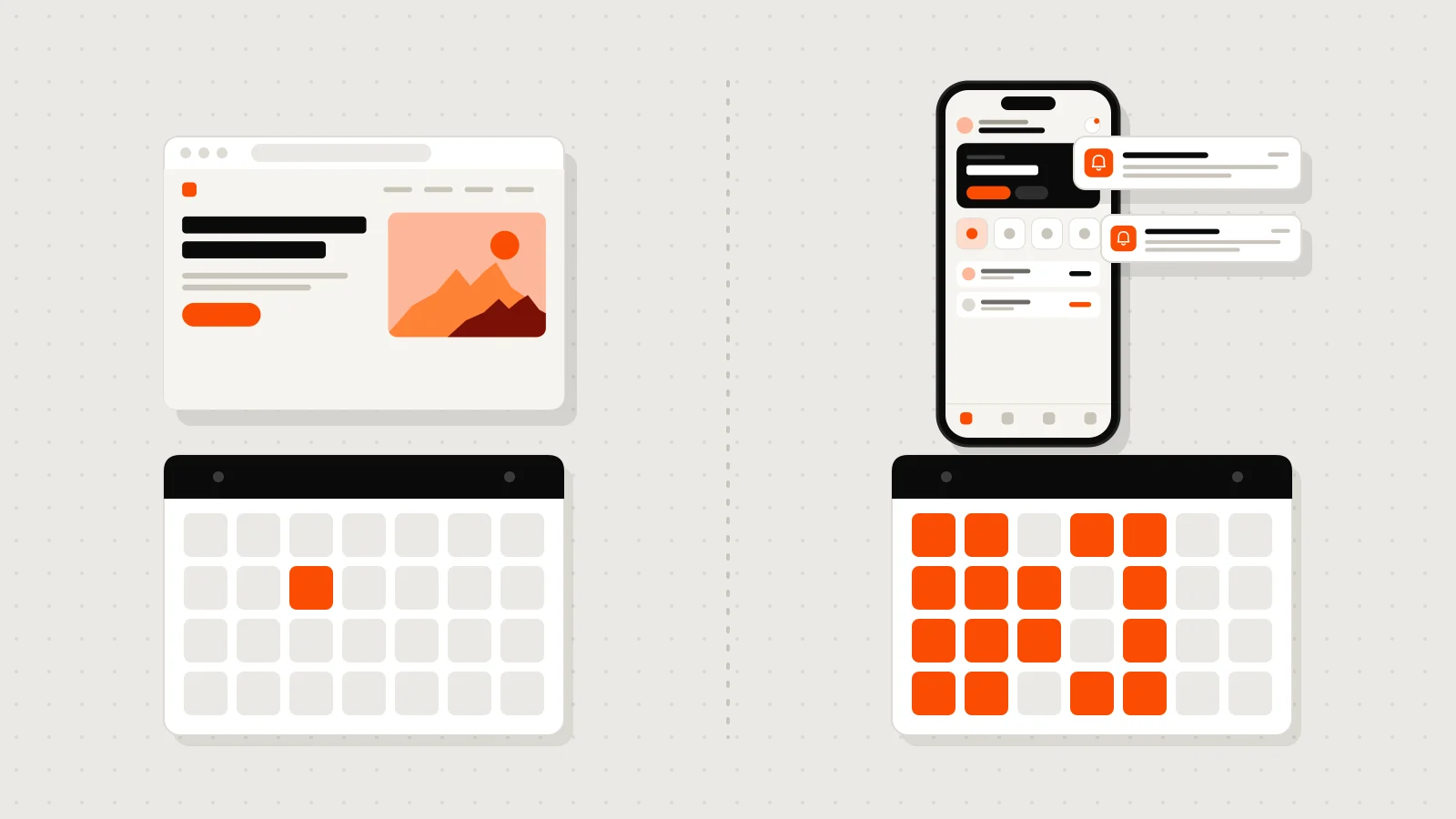
- Your customers come back often. They order, book, pay or check something every week: a coffee shop with orders, a gym with classes, a loyalty program.
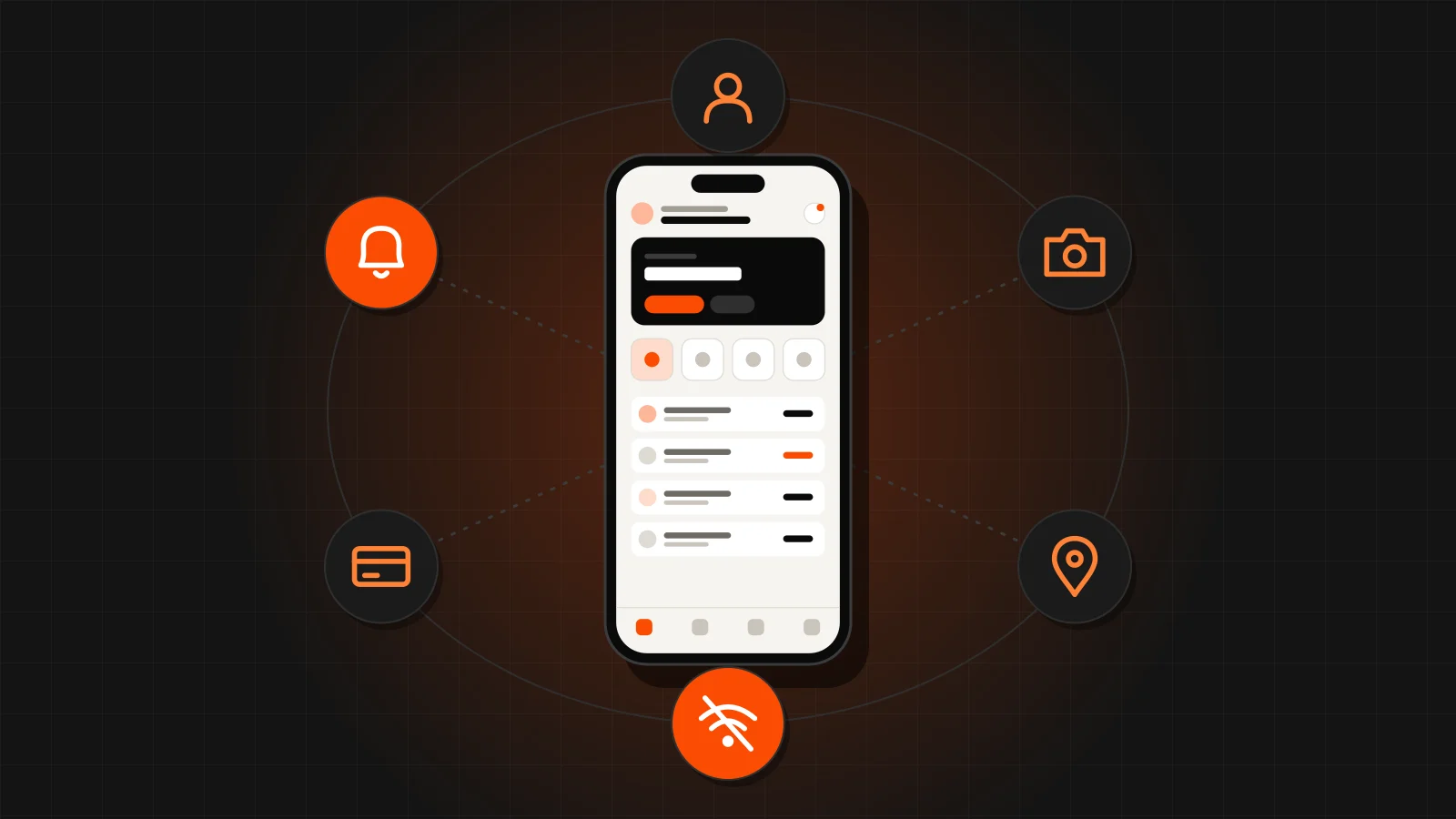
- You need to reach them right away. Notifications land straight on the phone's screen: «your order is ready», «your appointment is tomorrow».
- You use the camera, location or other phone features. Scanning codes, taking photos as proof, tracking a delivery driver.
- Your team works in the field. Technicians, sales reps or supervisors who capture data where there is not always signal; the app stores everything and syncs it when they are back online.
- You charge subscriptions or payments inside the app. With user accounts, saved payment methods and history at hand.
- The app is the product. If what you sell is the experience on the phone, there is no other way.
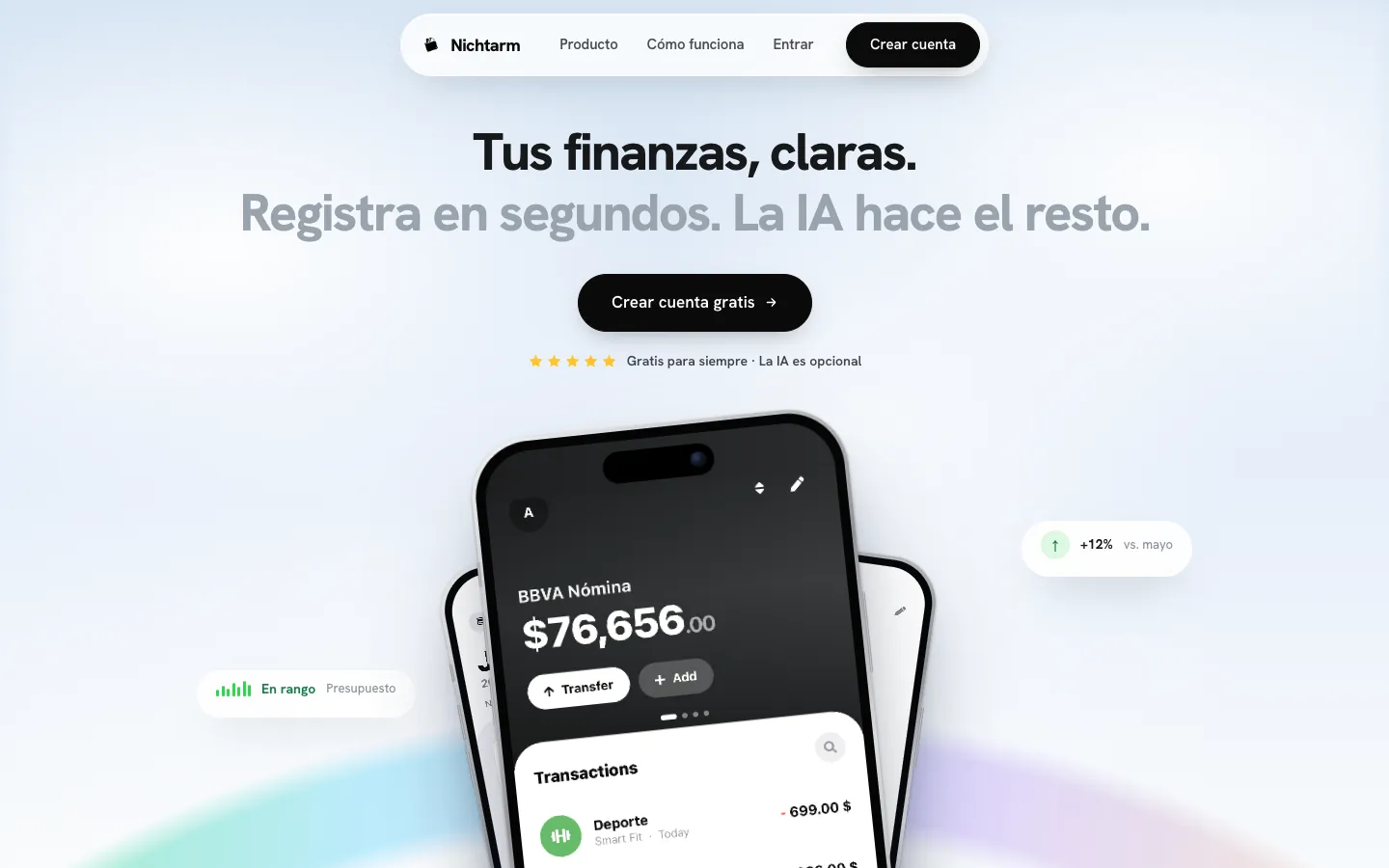
One we built: Nichtarm, a personal finance app. People open it several times a week to log expenses, check budgets and track their savings goals, so living on the phone makes perfect sense. And since not everyone wants to type on a phone, it also has a web version with the same account and the same data.
When it is not worth it (or not yet)
An app is not for everyone either. In these cases something else almost always serves you better:
- What you want is to be found. Nobody searches the app store for «plumber in Monterrey»; they search Google. That is what a website is for.
- Your customers buy from you now and then. If nobody opens it after the first time, they will delete it.
- The problem is inside your business. If the pain is tracking inventory, orders or collections in spreadsheets, what you need is a web system your team uses from the computer and the phone.
- You do not know yet if the idea works. Test it first with something simpler and see whether people use it.
- There is no one to look after it. An app needs updates and someone to support its users. If that is not planned, it ages fast.
An app nobody downloads helps nobody. Before you build it, think about how you will get your customers to install it: at the counter, with a perk for using it, with every order. If you have no answer, start with the web.
App, website or web system: which one fits
A quick way to see where you stand:
Website or web system
- Opens in any browser, with nothing to download.
- People find you on Google.
- Works for customers who come once and for teams who work at a computer.
- You publish a change and everyone sees it right away.
- Costs less to build and to maintain.
Mobile app
- Downloaded from the App Store and Google Play; it lives on the phone.
- Sends notifications and opens with one tap.
- Uses the camera and location, and can work without signal.
- Works for customers and teams who use it often.
- Every version goes through store review.
The middle ground: a web app that installs like an app
Between a website and a store app there is an option many people do not know about: a web app that can be added to the phone's home screen. It opens from its own icon, full screen, and looks and feels like an app, but it does not go through the App Store or Google Play.
It works very well for customer portals, internal systems and platforms used as much on a computer as on a phone. It has limits: some phone features are more restricted than in a store app, especially on iPhone, and you do not show up in the stores. But for many businesses it is the best first version.
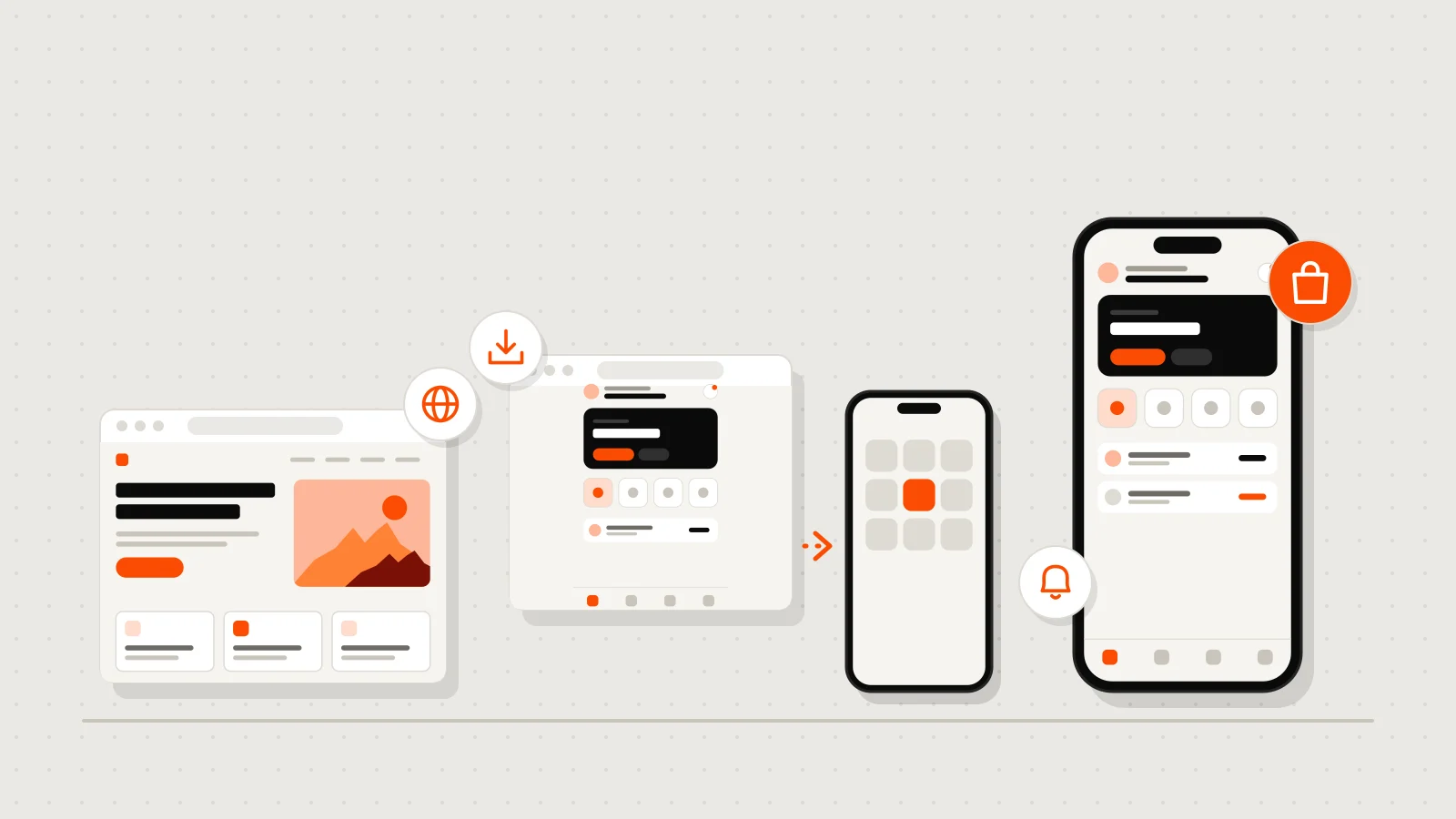
ALFRANET, the course platform we built for Alfra Group, is a project that did not need an app: users buy a plan, watch the videos, take exams and download their diploma, and it all works in the browser, on a computer or a phone, with nothing to download.

What drives the price of an app
If you have decided an app is right for you, this is what makes it cost more or less. The more of these it has, the more hours of design, development and testing.
How many screens and what each one does
An app with five screens that show information is not the same as one with orders, a cart, history and profiles. List what the user must be able to do and cut anything that is not essential for the first version.
Accounts, payments and notifications
Signing in with email, Google or Apple; charging with a card, Apple Pay or Google Pay; sending notifications. Each one adds work and testing, especially payments, which have to work without errors.
Working without signal
Having the app save what you capture offline and sync it later is one of the most useful things for field teams, and also one of the most work, because you have to decide what happens when two people change the same thing.
The admin panel
Almost every app needs a place where you see orders, users and content, and change prices or copy without touching code. It is usually a web panel, and it is a project of its own.
iPhone and Android
Today you can build one codebase for both platforms, which is how we work. Even so, you have to design and test on both, and publish in two stores with different rules.
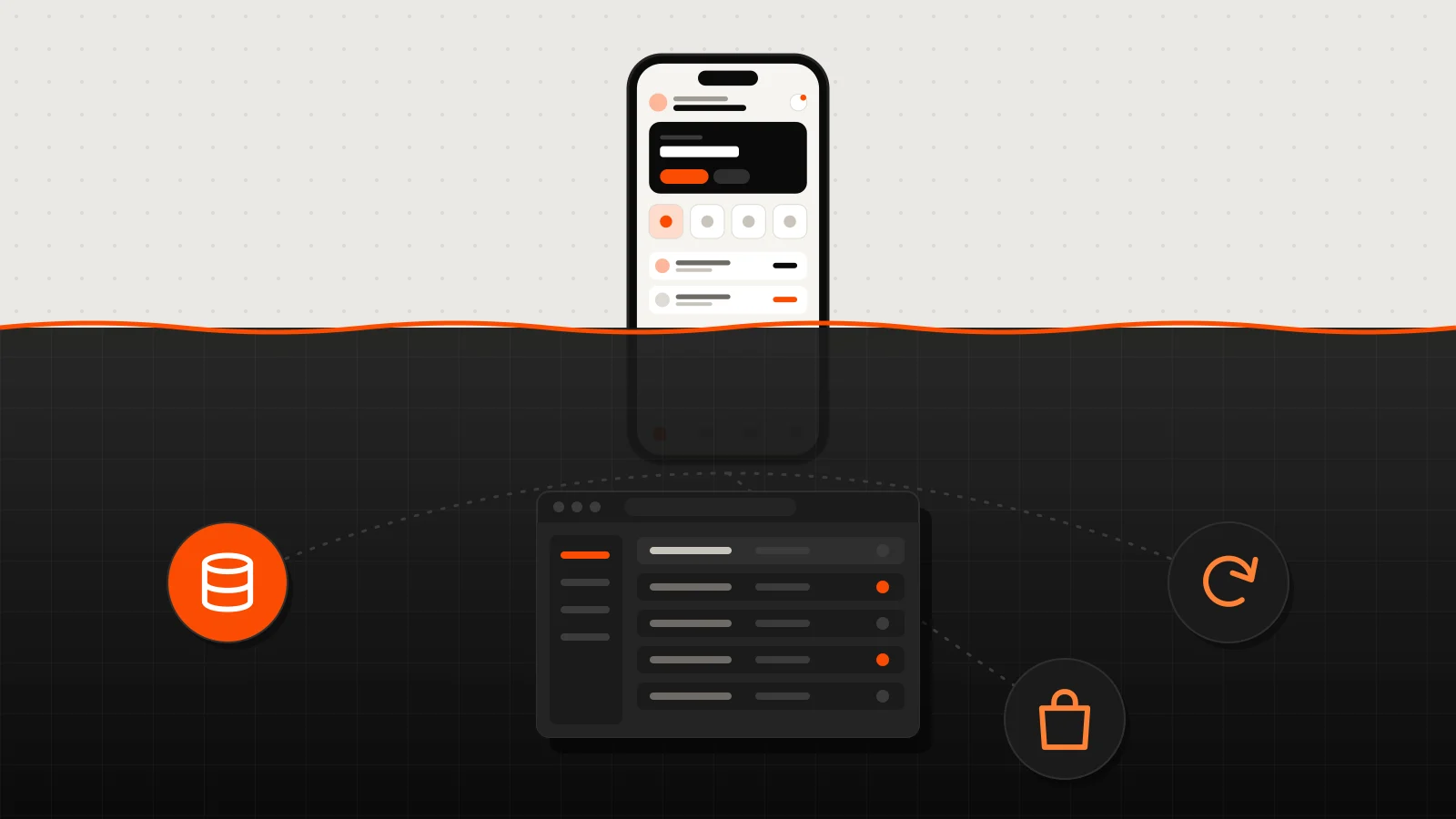
An app pays off when people will open it often, not when it sounds good to have one.
What happens after launch
A website goes live and it is ready to use. An app keeps asking for attention:
- The stores review it. Apple and Google review every version before it goes live, and sometimes ask for changes.
- Operating systems get updated. New versions of iOS and Android come out every year, and the app has to be tested and sometimes adjusted.
- Developer accounts have a cost. Publishing on the App Store requires a yearly Apple membership, and Google Play charges a registration fee.
- Your users will ask for things. The good part of an app is that you see how people use it; the normal path is to improve it version by version.
Ask for the Apple and Google developer accounts to be in your business's name, just like your website's domain. If the app is published under someone else's account, moving it later is a long process. And keep the code in a repository you own: this article explains how.
How to start without betting everything at once
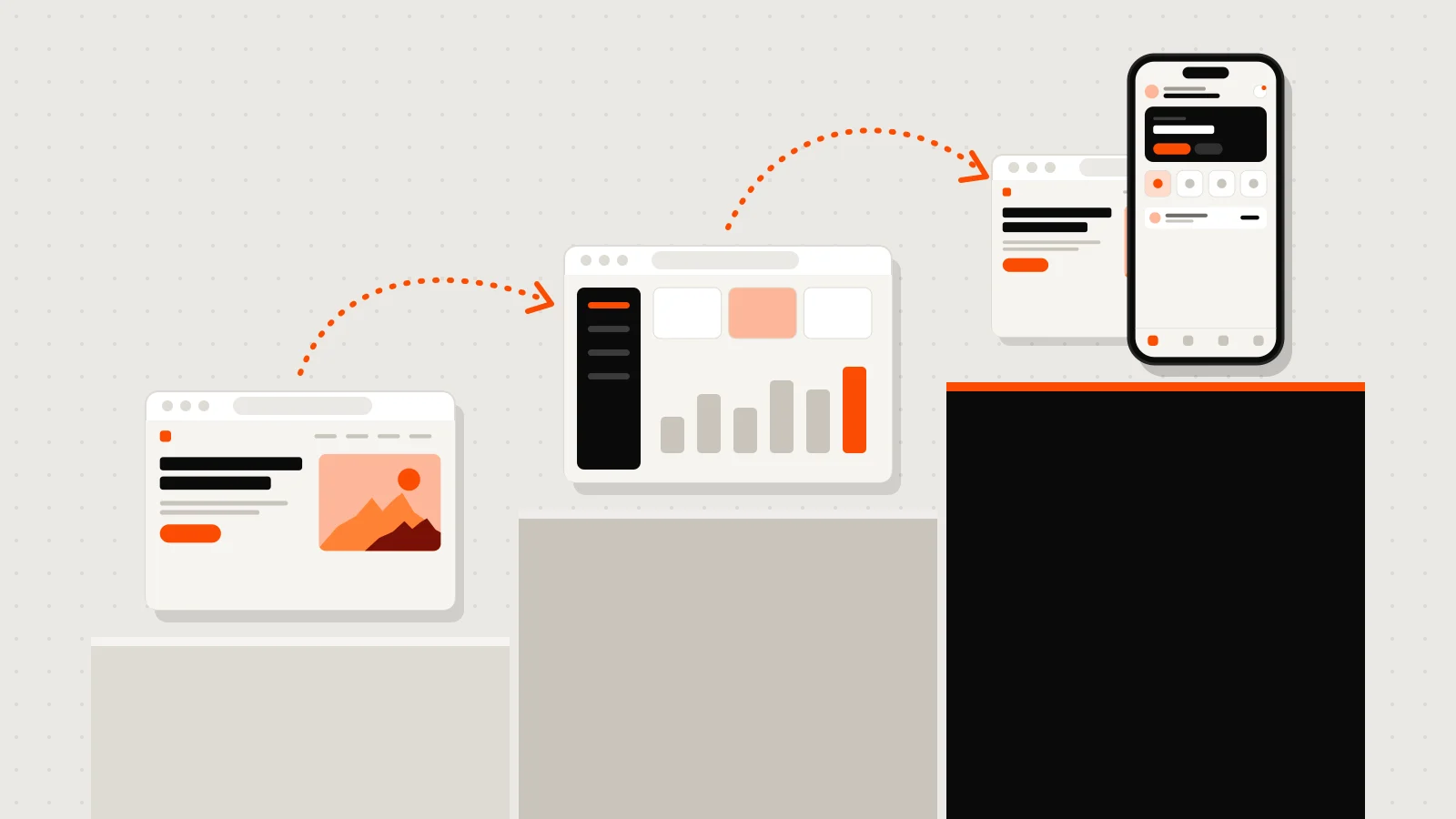
If you are unsure, you do not have to choose between all or nothing. What has worked best for us is going in phases:
- First, what is urgent. A website or a simple web app that already brings you customers or takes work off your plate.
- Then, the system. Accounts, an admin panel and your business data in one place. Done right, the app later uses that same server.
- Finally, the app. Once you know what your customers use and ask for, the app comes out more focused and no work is wasted.
How we build an app at Vareliuu
For reference, in our quote tool a mobile app takes 8 to 14 weeks, including publishing in the stores. This is how we do it:
- A 20-minute call. You tell us what you want to solve, who will use it and how often. If a website would serve you better, we will tell you.
- A written quote. Which screens and features it includes, in how many weeks, how many rounds of changes, and what happens after launch.
- Screen design. You see how it will look and work before we code, and we adjust it with you.
- Development and testing. One codebase for iPhone and Android, tested on real phones before launch.
- Launch and support. We walk you through App Store and Google Play review, and stay with you for the updates.
Is it right for you? Five questions
- Will your customers or your team open it at least once a week?
- Do you need to notify them about something right away?
- Will it use the camera or location, or does it need to work without signal?
- Do you know how you will get people to download it?
- Is there someone to look after it after launch?
If you said yes to most of them, an app is probably right for you. If only a few, start with the web and leave the app for when your customers ask for it. Either way, the quote tool gives you a range right away, and the final price is put in writing after a 20-minute call. On mobile apps you can see what we do, and if what you need is closer to a system, read custom software: what it is and when it pays off.
Preguntas frecuentes
How much does it cost to build an app?
It depends on the screens, accounts, payments, notifications and the admin panel it needs. In the quote tool you pick what you need and see an up-to-date range right away, before VAT.
How long does it take to build an app?
In our quote tool, 8 to 14 weeks, including publishing on the App Store and Google Play.
Do I need one app for iPhone and another for Android?
No. With a single codebase both come out at the same time. What you do need is to test on both and publish in both stores.
What is better, an app or a website?
It depends on how often people will use it. To be found and get messages, a website. For customers or teams who use it often, with notifications or phone features, an app.
Can my website be turned into an app?
A lot can be reused: the server, the database and the admin panel. What changes are the screens, which are designed for the phone. If your website already has accounts and well-organized data, the app comes out faster.
Does an app need maintenance?
Yes. The stores review every version, iOS and Android change every year, and your users will ask for improvements. It is best to plan for it in the quote.