Custom software: what it is, when it pays off and how to buy it right
What custom software is, when it beats off-the-shelf tools, what drives its price and what to ask before you buy.
By Bruno Varela · October 2, 2026 · 8 min

Custom software is a program built around the way your business already works, instead of bending your business to fit a generic program. It makes sense when off-the-shelf tools force you to work around them, when you pay for several subscriptions that don't talk to each other, or when the way you sell or operate is exactly what sets you apart.
Buying software isn't like buying a laptop: you don't pick it from a catalog. Here we explain what it is, when it beats off-the-shelf software, what you can get with it, what drives its price, how it gets built and what to ask whoever is going to build it, so you get it right the first time.
En corto
- Custom software follows your processes; off-the-shelf software asks you to follow its own.
- It pays off when your operation lives in spreadsheets and WhatsApp, or when you pay for tools that don't connect.
- Its price is driven by scope: modules, users, integrations and the data you need to migrate.
- Before you buy, ask to see working projects and progress every week.
What custom software is (and what it isn't)
It's a program designed from your processes, your steps and your permissions. It can take several forms:
- A full system for orders, inventory, customers or production that opens in the browser.
- A mobile app for your customers or your field team.
- An automation that does on its own what today gets copied, pasted and checked by hand.
- An integration that connects the tools you already use, like invoicing, payments, email or WhatsApp.
What it isn't: a template with your logo on top, or a generic program with new colors. If the software makes you work the way it wants, it wasn't built for you.
Custom or off-the-shelf software: which one is right for you
Both work. The question is which part of your business you're solving for:
Off-the-shelf (subscription) software
- You can start using it the same day.
- Good for tasks that are the same in every business: accounting, payroll, email.
- You pay every month, often per user.
- Your team adapts to its screens and its steps.
- If something is missing, you wait for the vendor to add it.
Custom software
- It takes weeks to build, in stages.
- Good for what makes you different: how you quote, produce or serve customers.
- Most of the investment comes up front, with no per-user licenses.
- It uses the words and steps your team already uses.
- It grows when your business needs it to.
The most common setup is a mix: accounting in a standard program, and what makes your business unique built to measure and connected to the rest.
Signs your business is ready for custom software
Not every business needs it, and not at every stage. These signs say it's time:
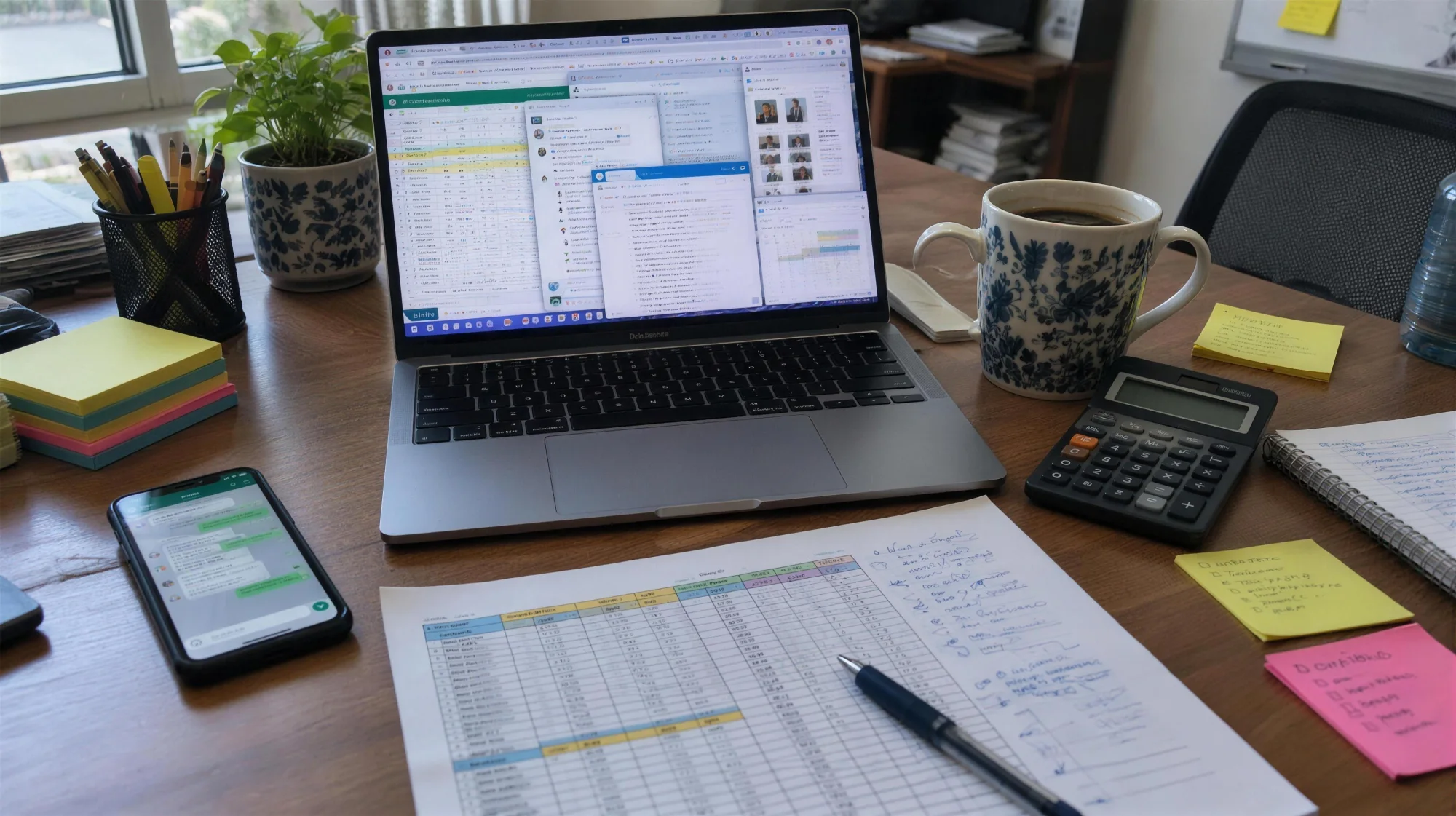
- Your orders, quotes or appointments live in WhatsApp and sometimes get lost.
- You have several spreadsheets that say different things and nobody knows which one is right.
- You pay for generic software and your team works around it because it doesn't fit how they work.
- Only one person knows how something gets done, and when they're out, everything stops.
- To know how the month is going, someone has to build a report by hand.
If two or more sound familiar, it's worth measuring how much of your team's time goes into them. The home page has a calculator that works it out in a minute.
What kind of software your business can have: real examples
What goes into a piece of software depends on the business. Here are three we built, each for a different problem.
A public catalog with its own private panel
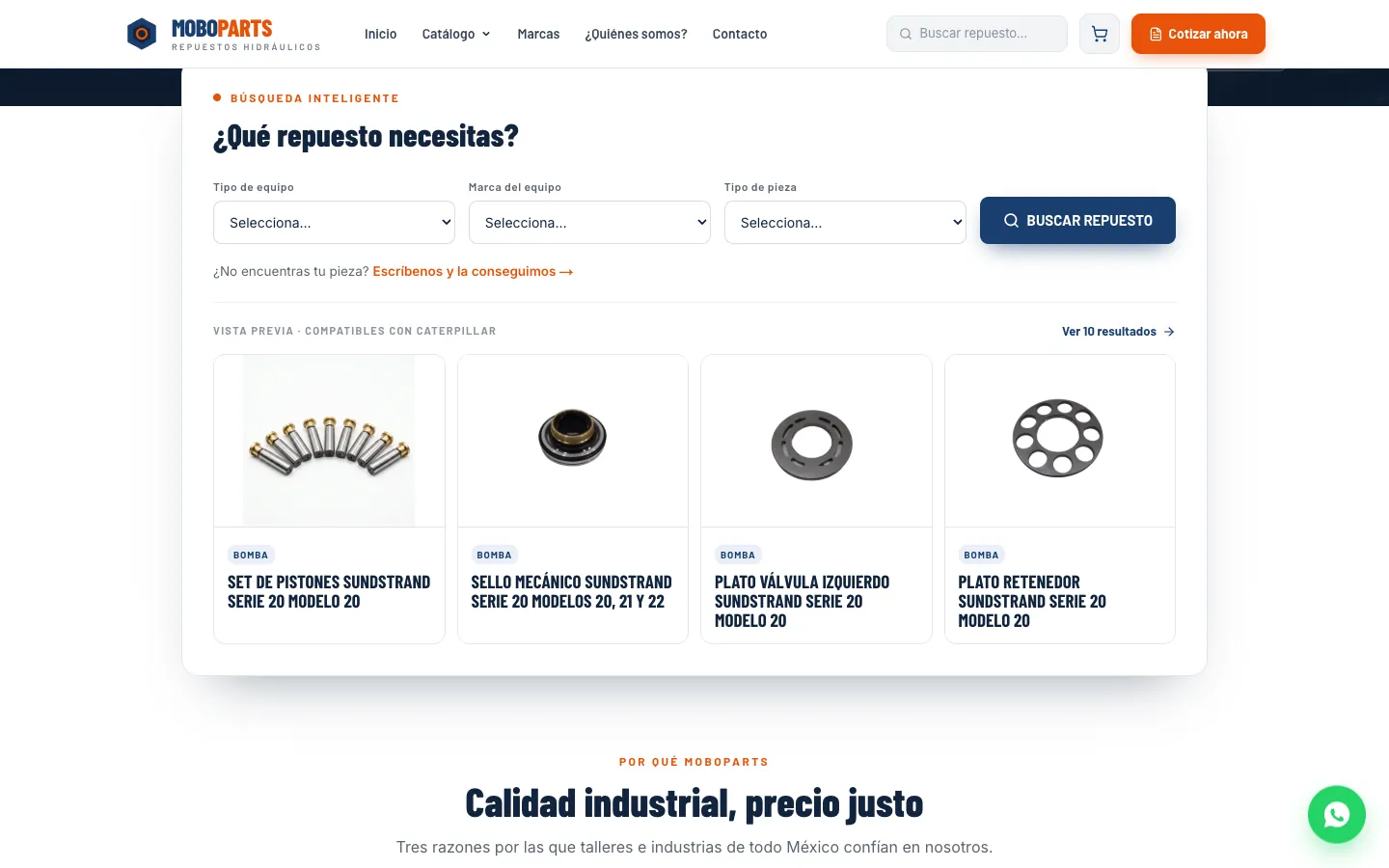
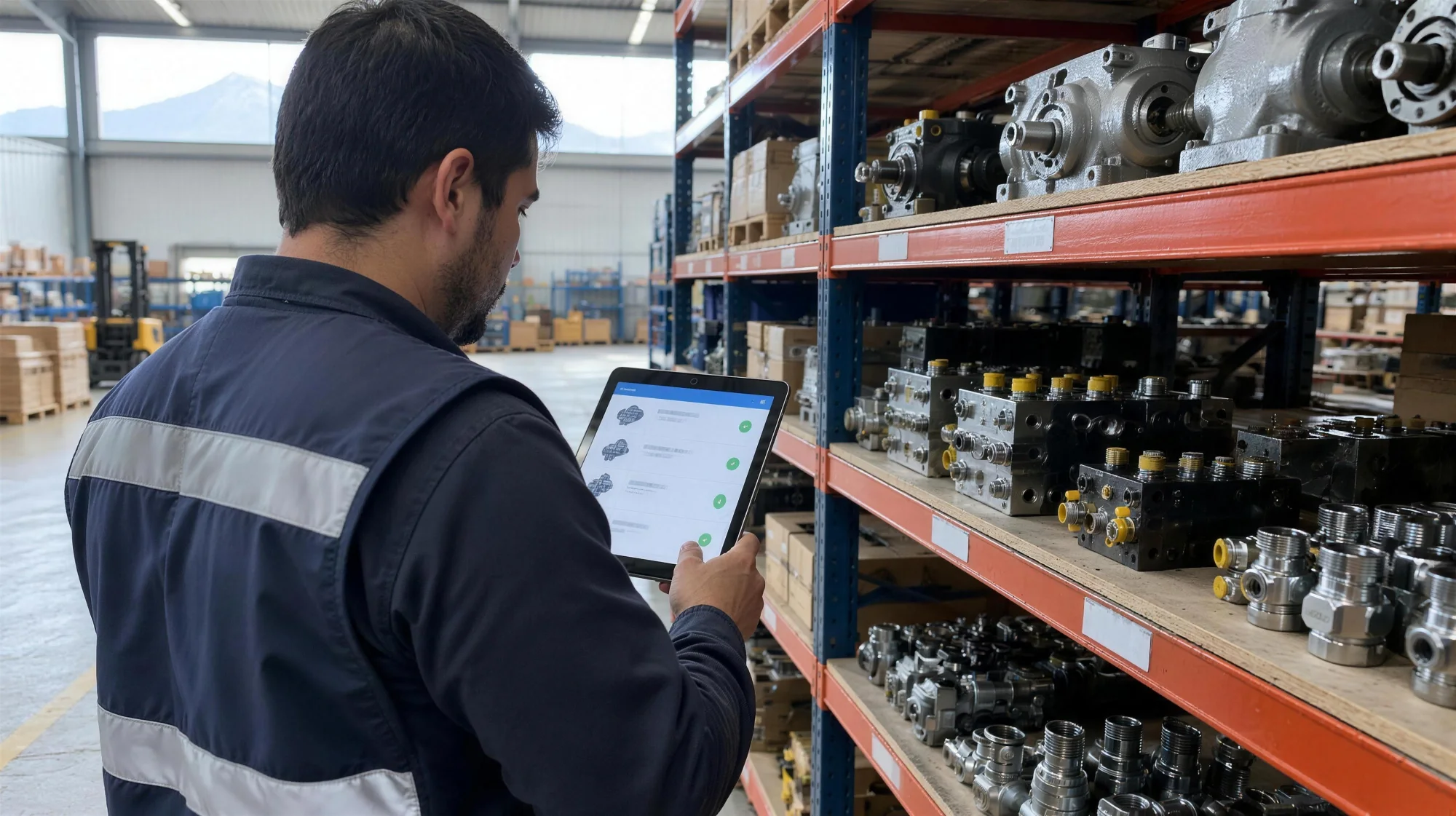
MoboParts sells hydraulic spare parts for heavy machinery. Its catalog is public, but products, categories and images are managed from a panel only its team uses. What the customer sees is exactly what the team updates behind the scenes.
A platform to sell and deliver courses
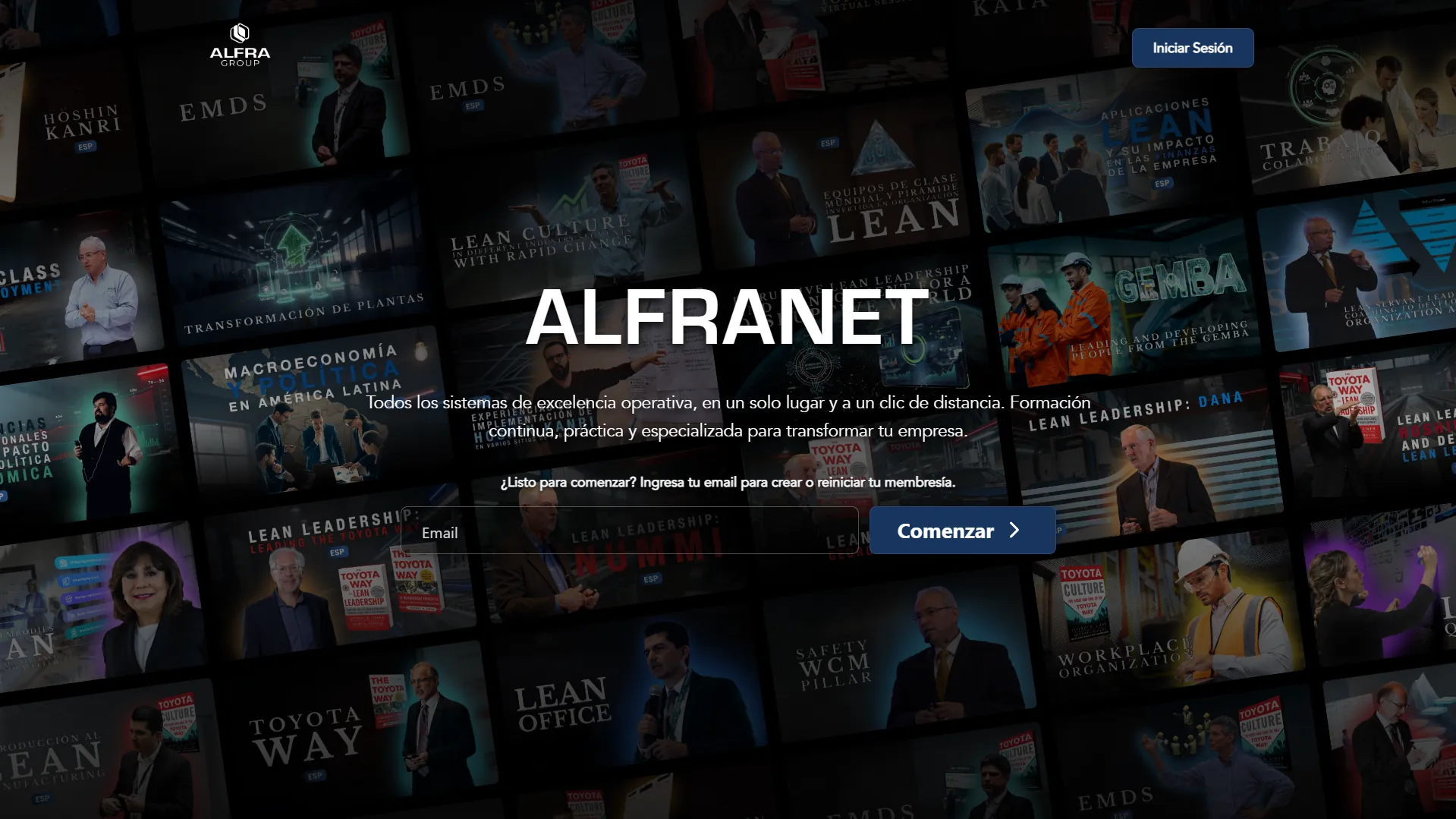
ALFRANET is Alfra Group's platform for selling and managing its lean manufacturing courses. Users buy a plan or join by invitation, and each one sees the courses that belong to them.
An automation for Instagram
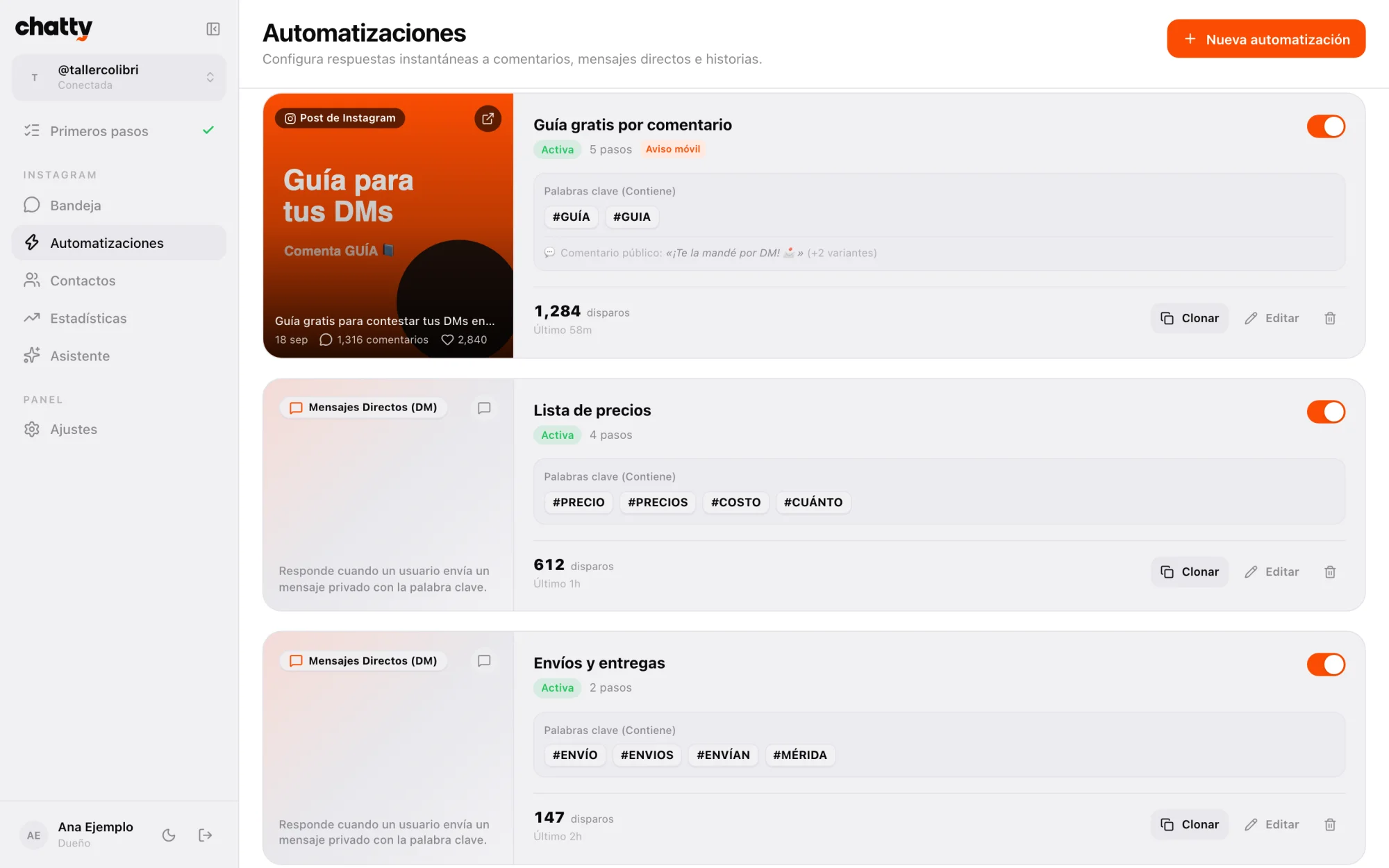
Chatty answers Instagram messages and comments with flows the business builds itself: someone comments a keyword and gets what you promised by DM. We released it as open source.
What drives the price of custom software
Custom software has no list price, because each project solves something different. What you can know is what makes it bigger or smaller:
- How many modules. Orders alone is not the same as orders, inventory, customers and reports.
- How many user types. Each role (admin, operations, customer) sees and does different things.
- Integrations. Connecting it to invoicing, payments, WhatsApp or a system you already have.
- Your current data. Moving years of information out of spreadsheets or an old system.
- Artificial intelligence. Sorting documents, summarizing conversations or answering common questions.
- Web, app or both. An iPhone and Android app adds work on top of a system that opens in the browser.
Scope is what drives the price of software. That's why it gets defined in writing before any work starts.
A healthy way to keep it under control is to start with what hurts most and add pieces later. A small first version people actually use is worth more than a huge project that takes forever to ship.
How custom software gets built, step by step
This is how we work at Vareliuu:
- A call to understand your business. You tell us how things work today, what gets complicated and what you want to achieve. About 20 minutes is enough.
- Scope, timeline and price in writing. Within two or three days we send you what's included, how many weeks it takes and what it costs, before we start.
- Design before code. You see how it will look and how it will be used, and we adjust it with you before writing any code.
- Weekly sprints. Every Friday you try real progress on a test link. You don't wait months to see something.
- Launch with your data. We put it to work with your current information and train your team.
- Improvements and maintenance. We stay around for fixes, adjustments and whatever the business needs next.

Weekly sprints are what give you the most peace of mind: every week you see where your money is going and can change course early, not at the end.

What to ask whoever is selling you software
Before you sign, ask these questions. Any serious vendor will answer them without trouble:
- Can you show me real projects that are live? Not mockups: systems someone uses today.
- How often will I see progress? If the answer is "at the end", think twice.
- Who owns the code, and whose name are the domain, the server and the database under?
- What happens if I want to change something halfway through?
- How does my current data get into the system?
- Who maintains it afterwards, and how is that billed?
Be wary of anyone who gives you a fixed price without asking how you work. Without understanding your process, that number is a guess.
If you're thinking about buying software for your business, tell us what you want to solve. In the quote tool you put your project together in three steps, and on custom software you'll see everything we do. If you're still not sure whether you need a website or a system, start with this article.
Preguntas frecuentes
What's the difference between custom software and a web system?
A web system is one kind of custom software: the kind that opens in the browser, on a computer or a phone. Custom software also includes mobile apps, automations and integrations between tools.
Is custom software only for big companies?
No. Many small businesses start with a single piece, like orders or inventory, and add the rest when they need it. What decides whether it's worth it is how much time and money the problem costs you today, not the size of the company.
How long does it take?
It depends on the scope, and it's defined in writing before we start. For reference, our quote tool puts a web system at 6 to 12 weeks. Because it's built in sprints, you're trying real pieces from the first weeks.
Can I move my spreadsheet data into the software?
Yes. What you already have, like customers, products or history, gets imported so you don't start from scratch.
Can it include artificial intelligence?
Yes. It can be connected to tasks like answering messages, sorting documents, capturing data by voice or building reports. It's best to start with the task that takes up most of your team's time.
Do you maintain software you didn't build?
Yes, after reviewing the code and the infrastructure. We'll tell you clearly what's worth keeping and what's worth rebuilding.