Custom inventory system: what it should have and when it pays off
The signs your spreadsheet no longer cuts it, what an inventory system must have, what drives its price and a real case.
By Bruno Varela · October 19, 2026 · 8 min
A custom inventory system is software built around how your business buys, stores and sells: your products, your warehouses, your rules and your reports in one place, opened from a web browser. It pays off when spreadsheets, notebooks and WhatsApp messages can no longer tell you for sure how much you have, where it is and what moved.
Here we cover the signs that you need one, what it must have, when off-the-shelf software is the better fit, what drives the price and what it looks like in a real project. If you want a range for yours, the quote tool shows one right away.
En corto
- If nobody knows how much of each product you have without going to count it, the spreadsheet has fallen short.
- The minimum: a catalog with SKUs or part numbers, stock per warehouse, stock in and out with a history, low-stock alerts, role-based access and reports.
- Off-the-shelf software works if your operation looks like everyone else's; a custom one pays off when the way you sell or fulfill does not fit in it.
- What drives the price most: how many warehouses and users, what it connects to and how tidy your current data is.
Signs your inventory has outgrown the spreadsheet
A spreadsheet is a great start. The trouble begins when the business grows and several people edit the same file. These are the most common signs:
- You have to go and count to know what you have. The file says one thing and the shelf says another.
- There are several versions of the same file. «Inventory final», «inventory final 2» and the one on someone else's computer.
- You sell something you no longer had. Or you find out it ran out when the customer is already waiting.
- Stock leaving is reported on WhatsApp. And someone has to copy it into the file later, whenever they remember.
- You don't know who moved what. If stock goes missing, there is no history saying when it left and who logged it.
- Putting a report together takes an afternoon. Best sellers, slow movers and what needs reordering.
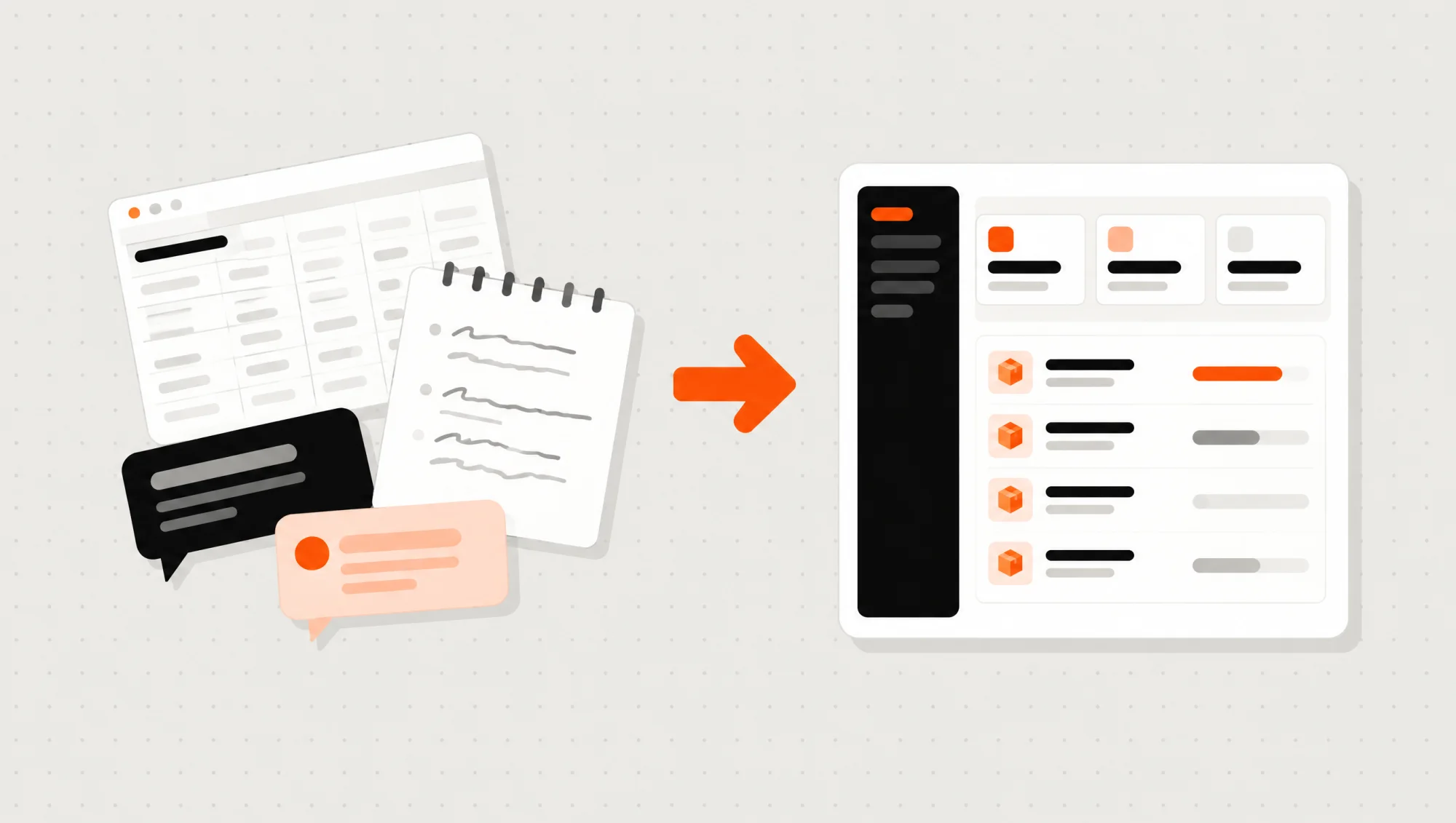
If two or three of these sound familiar, it's not that your team is doing it wrong: the tool just no longer fits the size of your operation.
What an inventory system should have
Every business is different, but there are pieces an inventory system needs almost every time:
- A product catalog. Each item with its code, SKU or part number, photos, category and unit (piece, box, meter, kilo).
- Stock per warehouse. If you have a warehouse, a store and a delivery van, each one with its own stock, plus transfers between them.
- Stock in and out with a history. Purchases, sales, returns, shrinkage and adjustments, with the date and the name of whoever logged it.
- Low-stock alerts. The system warns you before something runs out, not after.
- Role-based access. Whoever picks orders logs movements; whoever manages sees costs and reports.
- Reports and a dashboard. Best sellers, slow movers and what to reorder, updated on their own.
- Spreadsheet import. Your current data goes into the system: you don't start from scratch.
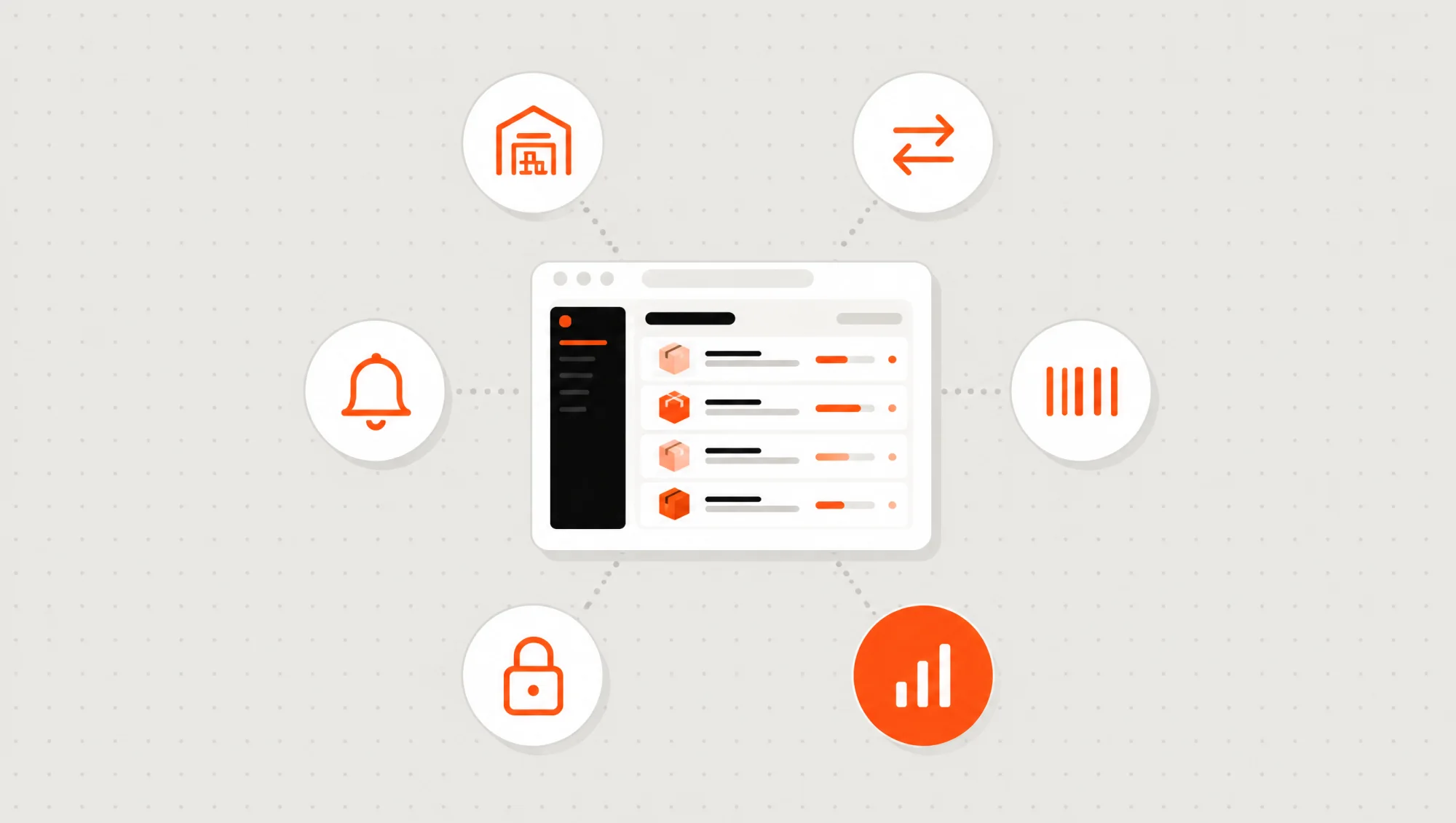
Others depend on your industry: barcodes, batches and expiry dates, serial numbers, kits assembled from several parts or a customer portal where clients see their orders. Not all of them are needed from day one; start with whatever takes up most of your time today.
Off-the-shelf inventory software or a custom system
There are plenty of inventory apps with a monthly fee, and for many businesses they are the best option. The question is which one fits you:
Off-the-shelf software
- You start fast and pay a monthly fee.
- It works well if your operation looks like everyone else's.
- Your team adapts to the software, not the other way around.
- Connecting it to your website or other tools depends on what the software allows.
- Your data lives in the vendor's account.
A custom system
- It's built around how you already work: your products, your statuses and your rules.
- It pays off when the way you sell or fulfill is part of your edge.
- It connects to your catalog, your quotes and the tools you already use.
- It grows in phases, as the business needs it.
- The code and the database are in your name.
We cover this decision in depth in custom software: what it is and when it pays off.
Connect your inventory to how you sell
An inventory on its own solves half the problem. The difference shows when stock is connected to the rest of the business:
- To your online catalog, so what customers see comes from the same data your warehouse uses.
- To your quotes and orders, so a sale is never entered twice.
- To WhatsApp and email, for low-stock or order-ready notices.
- To your invoicing and payments, so nobody copies data by hand from one system to another.
What drives the price of an inventory system
We won't give you a number here, because it depends on your operation. What we can tell you is what pushes it up or down:
- How many warehouses and how many users. One warehouse with three people is simpler than several branches with transfers.
- How special your products are. Batches, expiry dates, serial numbers or kits add rules.
- What it connects to. Each integration (website, invoicing, payments, WhatsApp) is separate work.
- How tidy your data is. If your spreadsheet has repeated codes or duplicate products, it has to be cleaned up before the import.
- How many screens per type of user. Admin, warehouse, sales or a customer portal.
In our quote tool, a web system takes 6 to 12 weeks. You pick what you need and see a range right away; the final price is put in writing after a 20-minute call.
A good path is in phases: first the catalog, stock levels and movements; then alerts, reports and integrations. That way you start using it sooner and decide what comes next with real data.
A real case: MoboParts, in Apodaca
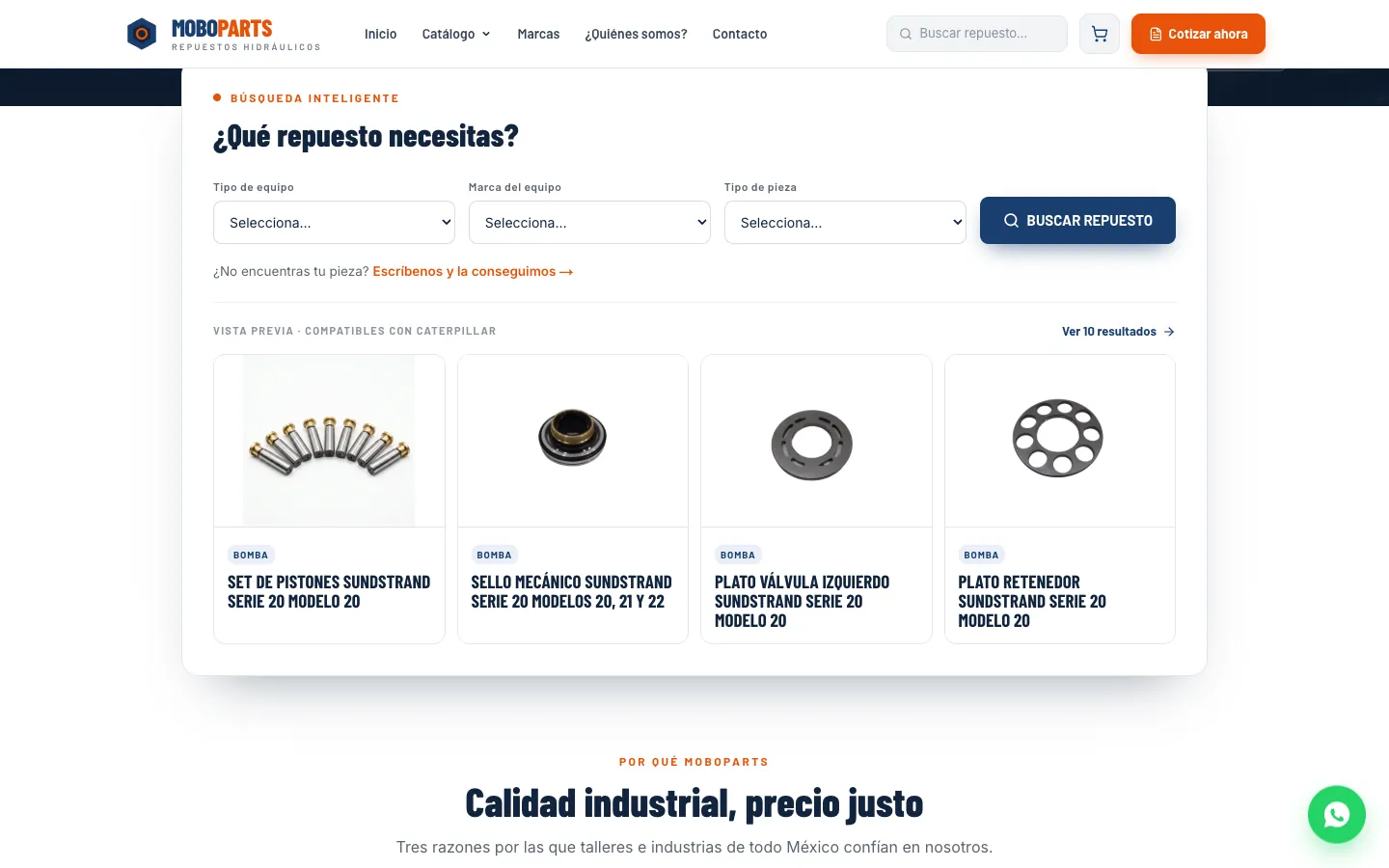
MoboParts sells hydraulic spare parts for heavy machinery from Apodaca, Nuevo León. We built them a public catalog where every part has its own page by serial number, a cart that turns into a PDF quote and, behind it, a private dashboard where they manage products, categories, images and inventory with stock levels, alerts and movements.
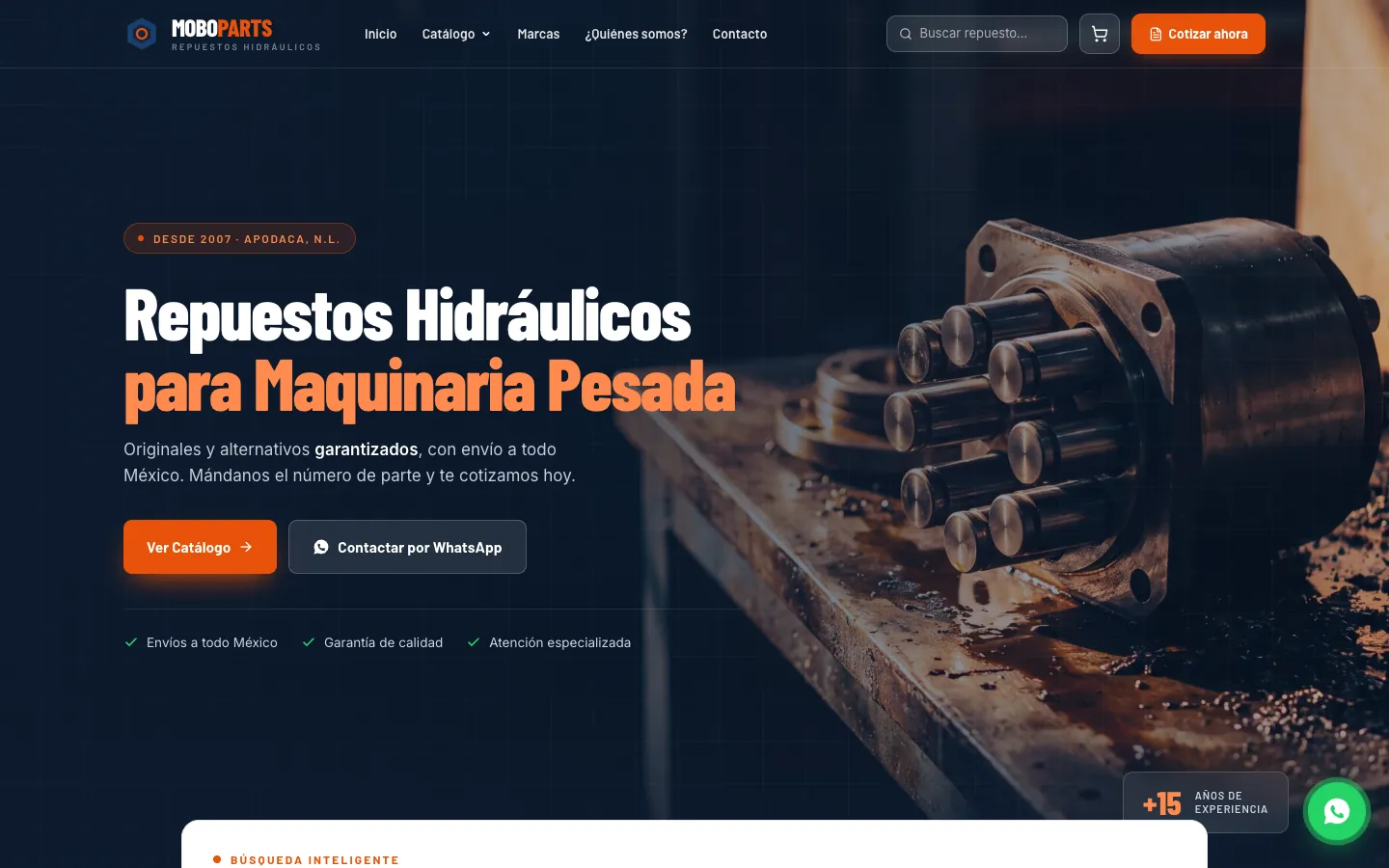
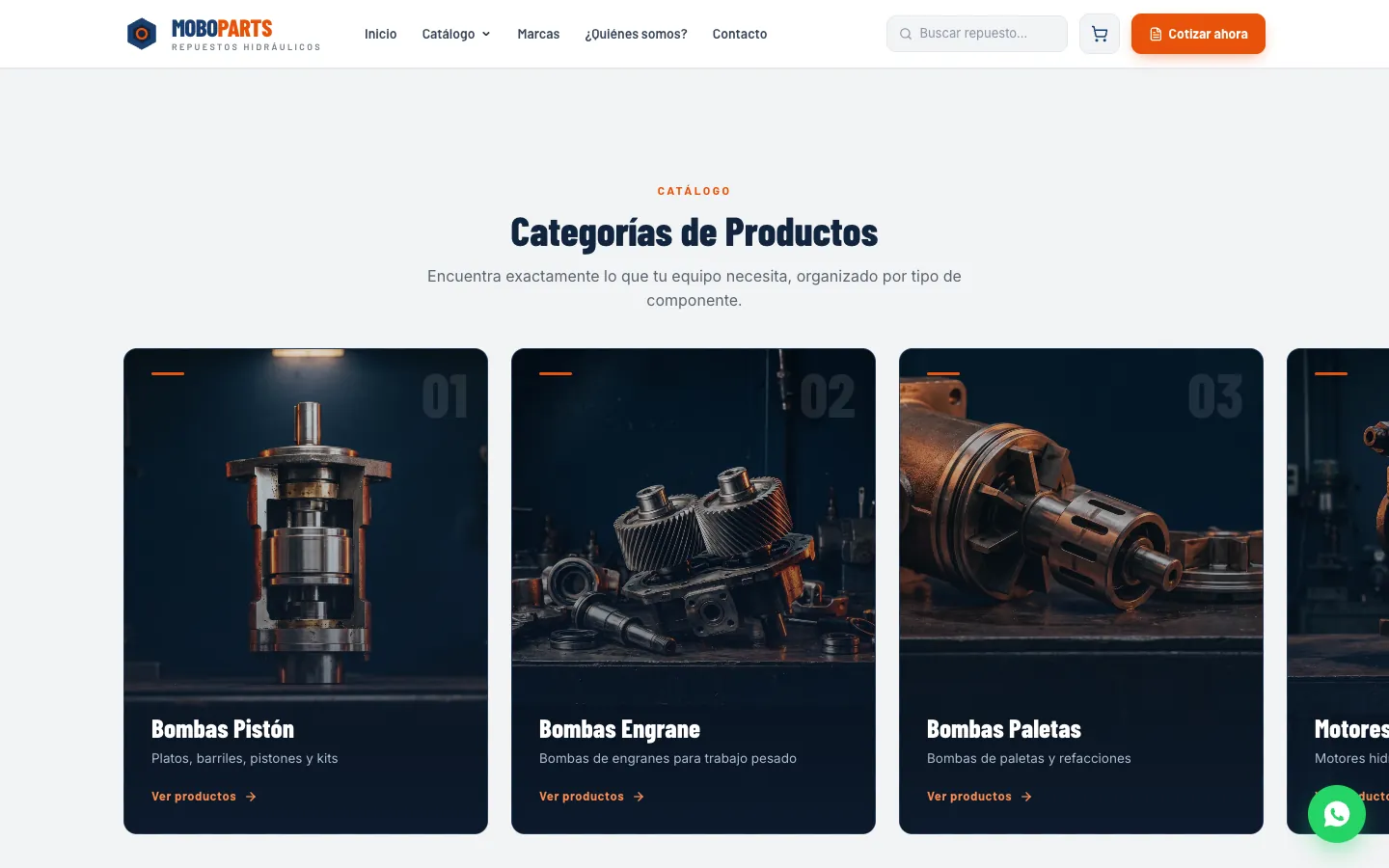
The key is that customers and the team work from the same data: the catalog the public sees is the one managed from the dashboard. It's live; open it from its page in our portfolio.
How we build an inventory system at Vareliuu
We are a Monterrey studio that builds custom web systems. This is how we work on an inventory system:
- A 20-minute call. You tell us how you track inventory today and what gets complicated. If something simpler suits you better, we'll tell you.
- A written quote. Scope, timeline and price in a clear document, within two or three days.
- Your spreadsheet goes in. We import your current data so you don't start from scratch.
- Progress every Friday. We work in weekly sprints: every Friday you see real progress and test it with your team.
- Launch and follow-up. It goes live on your domain. After that we keep monitoring, adjusting and making changes.
If your inventory has outgrown the spreadsheet, the quote tool lets you pick what you need and see a range right away. On web systems you'll see everything it includes, and if you're still comparing vendors, read how to choose a software development agency in Monterrey.
Preguntas frecuentes
What is a custom inventory system?
Software built around how your business buys, stores and sells. It holds your products, your warehouses and your rules, and it opens in the web browser of a computer or a phone.
How much does a custom inventory system cost?
It depends on how many warehouses and users you have, how special your products are and what it connects to. In our quote tool you pick what you need and see an up-to-date range right away, before VAT.
How long does it take?
In our quote tool, a web system takes 6 to 12 weeks. If it's built in phases, you can start using the first part before everything is done.
Can I move my spreadsheet inventory into the system?
Yes. Spreadsheet import is part of our web systems: your current data goes into the system. If the file has repeated codes or duplicate products, it gets cleaned up first.
Is off-the-shelf inventory software a better fit for me?
If your operation looks like everyone else's and you don't need to connect it to anything, probably yes. A custom one pays off when the way you work doesn't fit the software or when you want inventory connected to your catalog, quotes and orders.
Can it be used from a phone?
Yes. A web system opens in the browser of any computer or phone, with nothing to install.