Online booking and appointment system: when to go custom
When an off-the-shelf scheduler is enough, when a custom one makes sense, what it should include and what drives its price.
By Bruno Varela · October 29, 2026 · 9 min
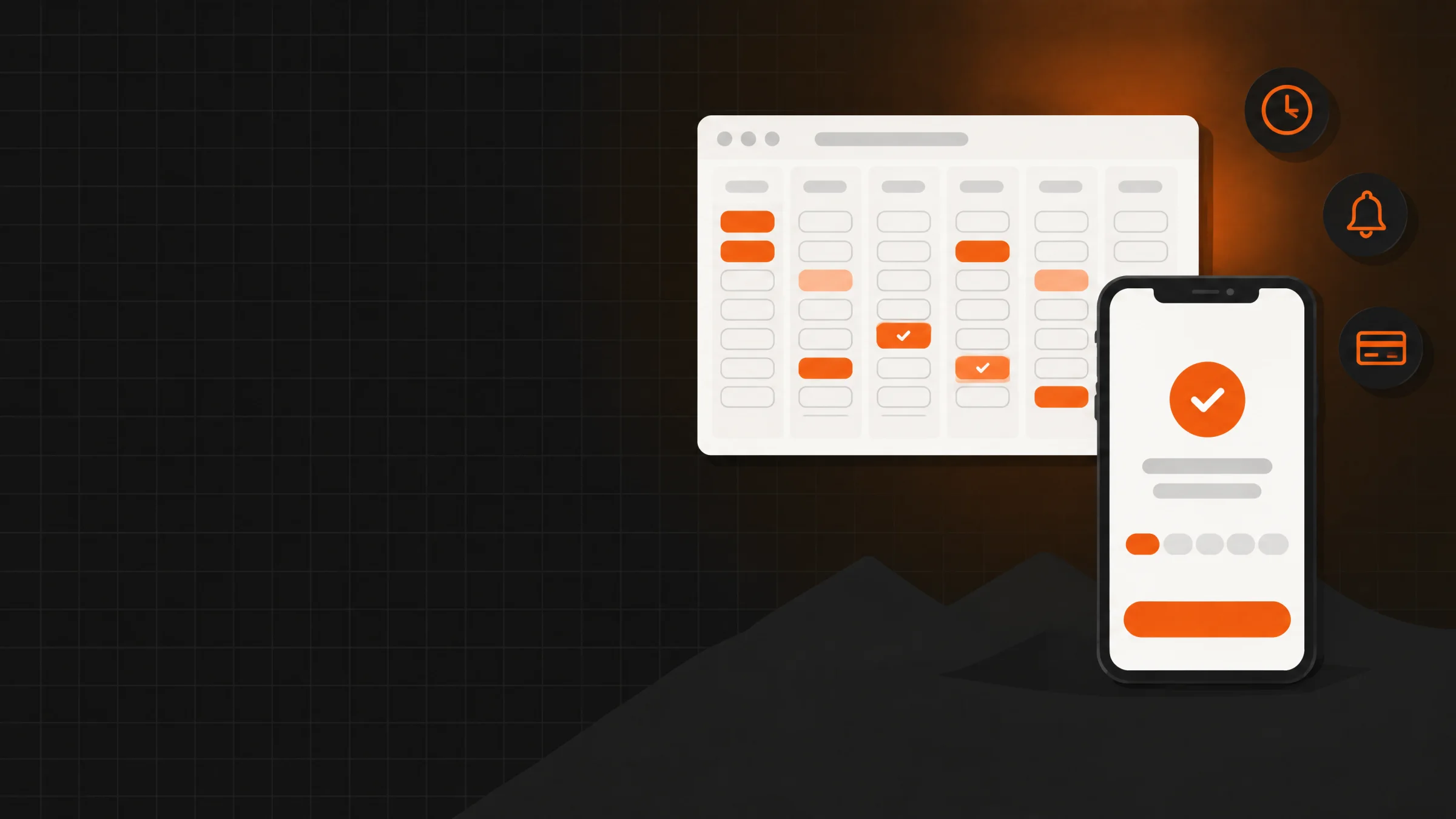
An online booking system lets your customers see which times you have free, book theirs and get a confirmation and a reminder without anyone having to answer a message. For many businesses an off-the-shelf scheduling app is enough. Going custom makes sense when your schedule has rules those apps don't understand, or when the appointment has to connect with the rest of your operation: customers, payments, inventory or several locations.
Here we explain how to tell whether you need one, which option fits, what it should include, what to know about WhatsApp reminders, what drives its price and how we build it. If you already know what's breaking in your schedule, tell us your problem on WhatsApp.
En corto
- If your schedule lives in WhatsApp and a notebook, every appointment costs messages, no-shows and double bookings.
- An off-the-shelf scheduler works when your rules are simple: few services, few people and fixed hours.
- Going custom makes sense with several locations or staff, your own rules, deposits, or when the booking connects to customers, payments and inventory.
- What drives the price most: how many rules your schedule has, payments, WhatsApp reminders and connections to other systems.
Signs your schedule already needs a system
You don't need a big business. These signs show up the same in a clinic, a repair shop, a salon or an office:
- You answer the same messages all day. "Any openings Thursday?", "what time?", "how long does it take?". Every appointment takes several back-and-forth messages.
- Bookings overlap. Two customers take the same slot because the schedule lives in a notebook, on your phone and in someone else's head.
- People don't show up. Without a reminder some appointments get forgotten, and that slot can't be filled anymore.
- You lose bookings after hours. If someone wants to book at eleven at night and nobody answers, they book somewhere else.
- You don't know how many appointments you had. Or how many were cancelled, who your regulars are or which service is most requested.
If you recognized two or more, you're already paying for not having a system: you pay in time and in lost appointments.
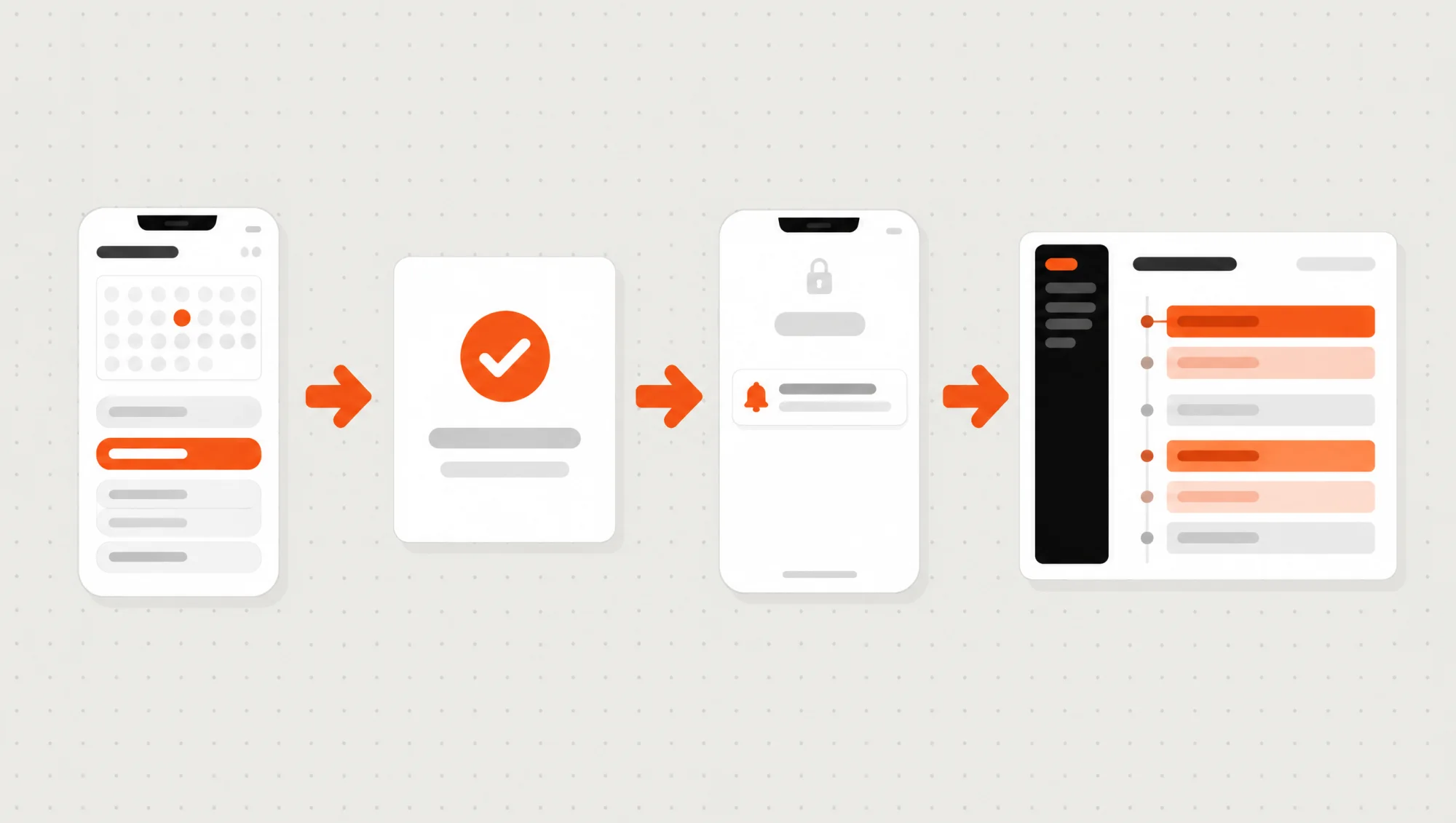
Off-the-shelf scheduler or custom software: which one fits
There are ready-to-use scheduling apps, like Calendly, Booksy or OpenTable for restaurants, that you can sign up for in a day. For many businesses they're the right answer, and when that's your case we tell you.
An off-the-shelf scheduler is enough
- You offer few services and most take the same time.
- It's just you or a small team with the same hours.
- You don't take deposits, or the app's built-in payment is enough.
- The schedule doesn't need to talk to any other system.
- You're fine with its design and its monthly fee.
Going custom makes sense
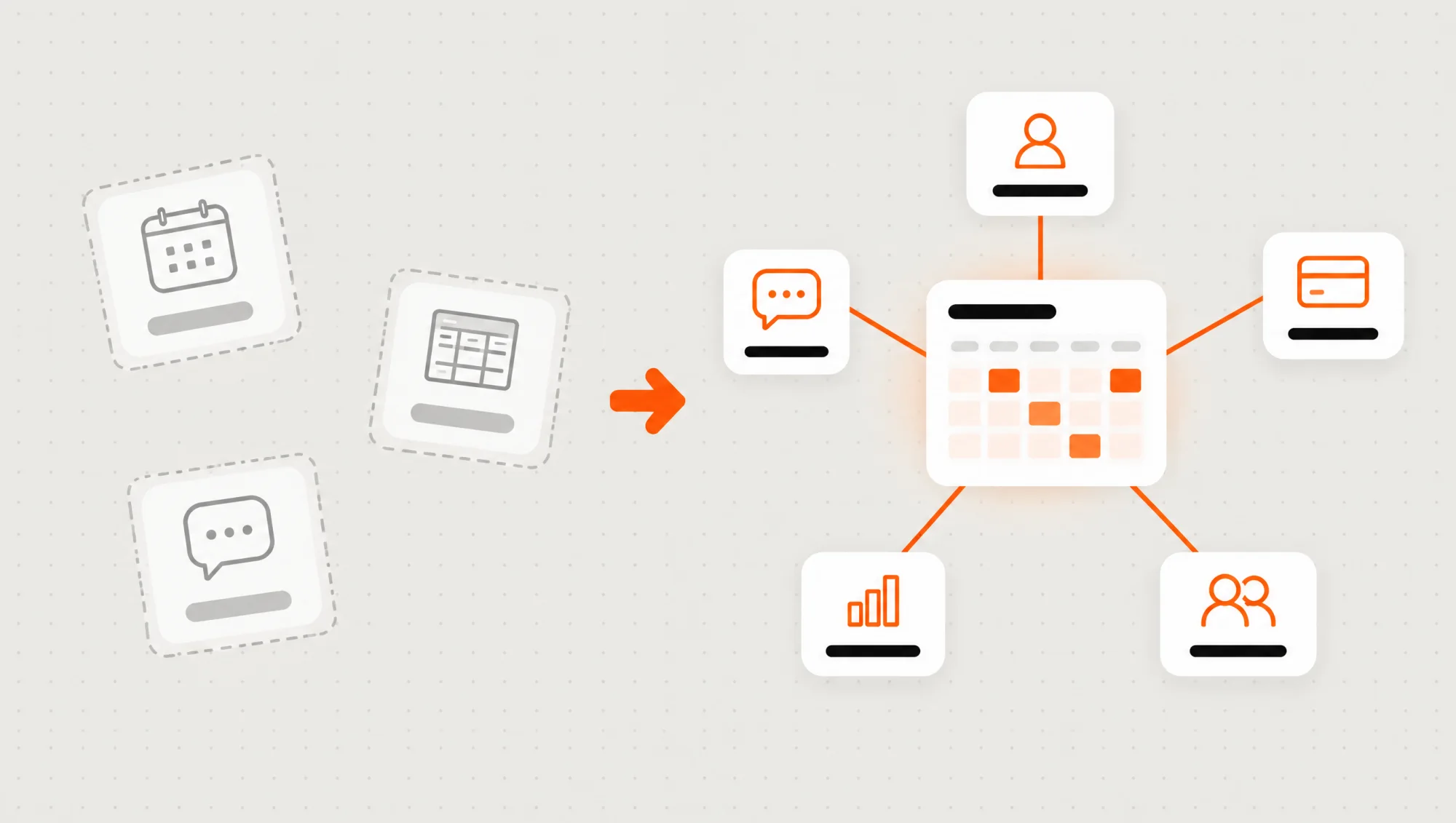
- You have several locations, rooms, teams or staff, each with its own hours.
- Your rules are your own: services of different lengths, buffer time, packages or back-to-back appointments.
- You take deposits and want to set your own cancellation rules.
- The appointment has to connect with your customers, payments, inventory or invoicing.
- You want booking to live on your site, with your brand and your customers' data in your name.
A useful rule: if you're already working around the app you pay for, with spreadsheets, side messages or someone fixing the schedule by hand, it's time to think about your own. In Custom software: what it is and when it makes sense you'll find the full comparison between buying something ready-made and having it built.
A real case: Aromali's reservations
On the website we built for the restaurant Aromali, reservations happen on the same page through each location's OpenTable widget. There was no need for a custom scheduler there: booking a restaurant table is exactly what OpenTable already solves, and guests book without leaving the site.
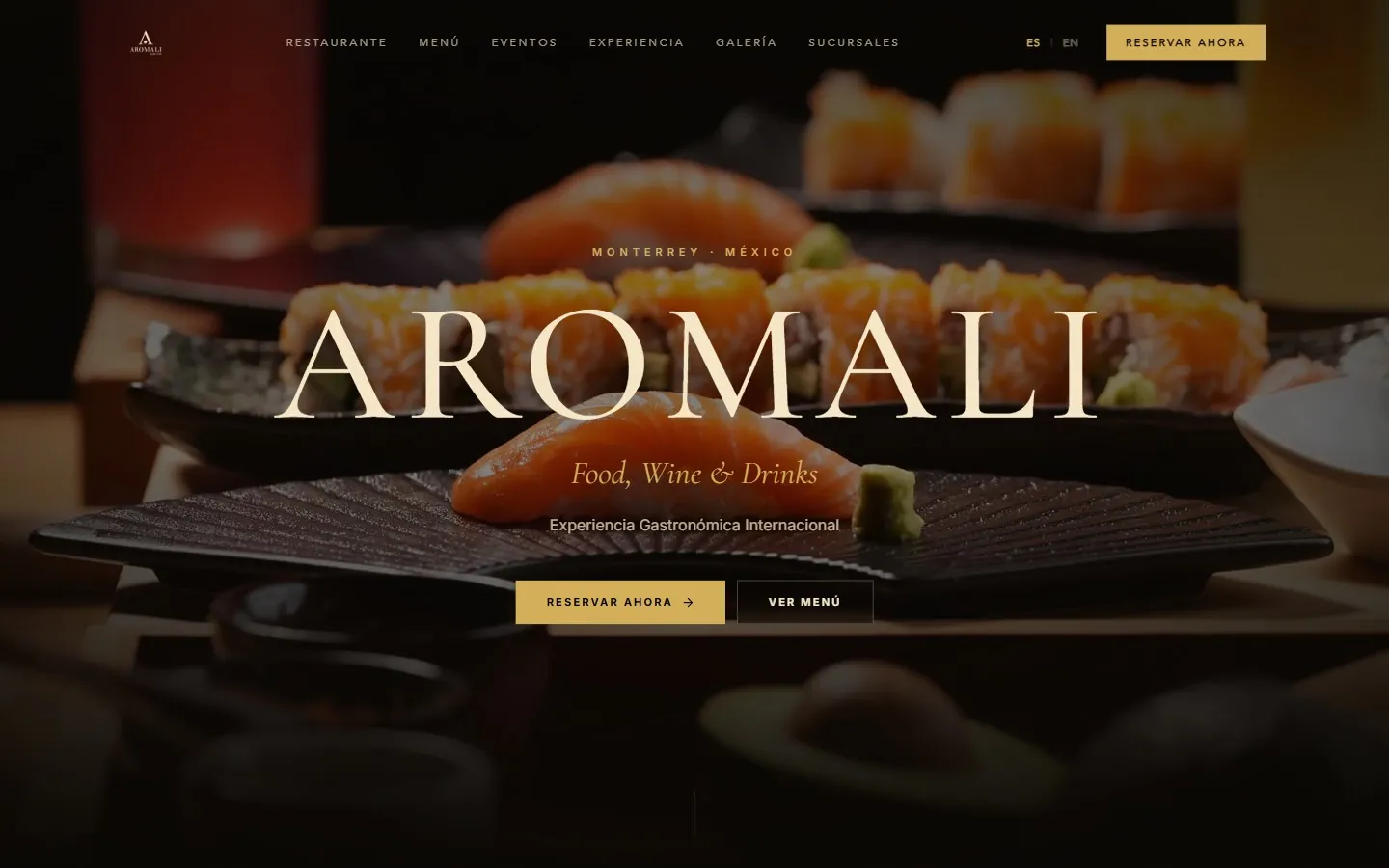
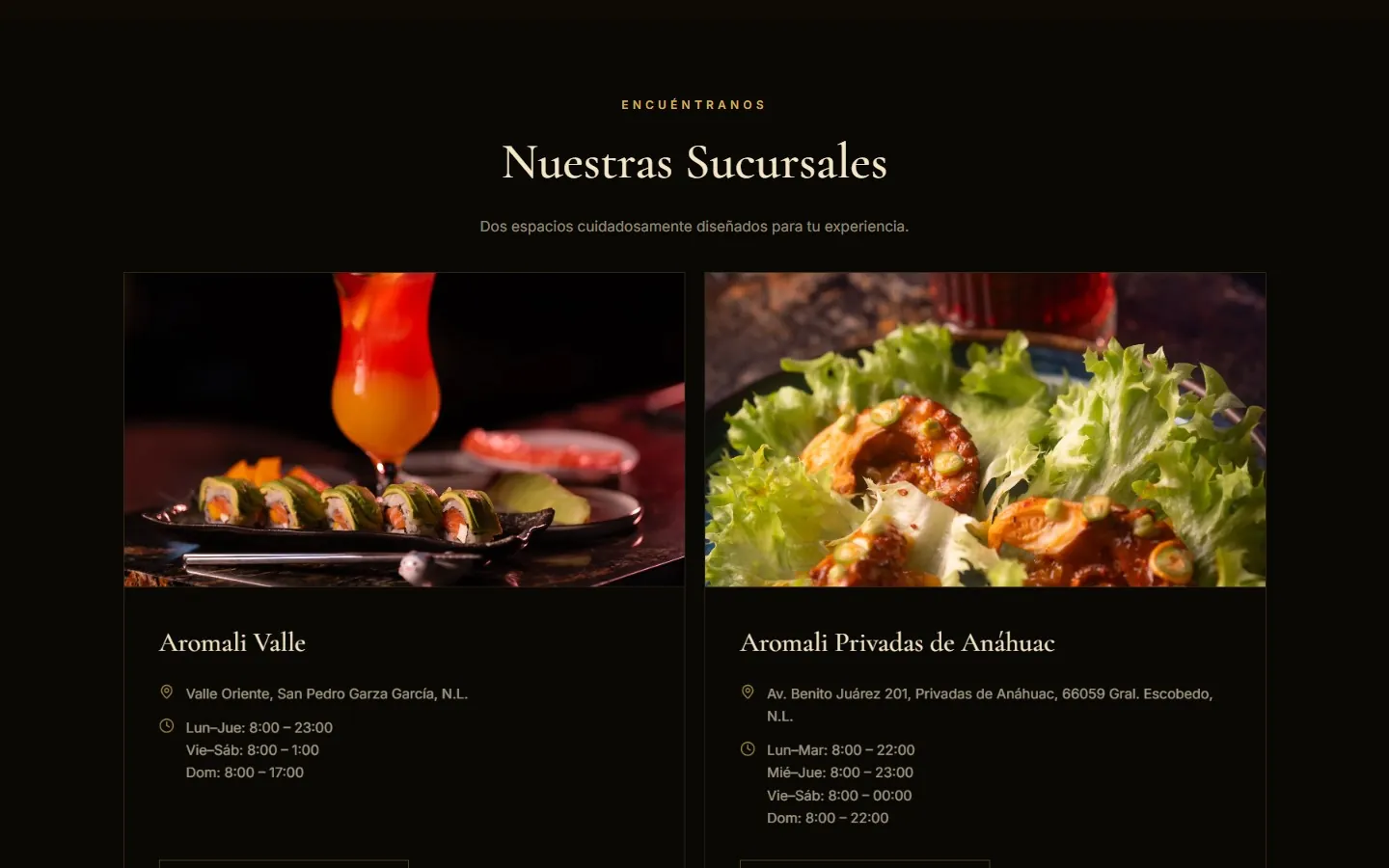
What we did take care of: that the booking button is visible from the home page, that each location has its own, and that the site still belongs to the restaurant even though the scheduler belongs to another company. If they switch tools tomorrow, the widget changes, not the website. You can see it alongside our other projects in the portfolio.
What a good booking system should include
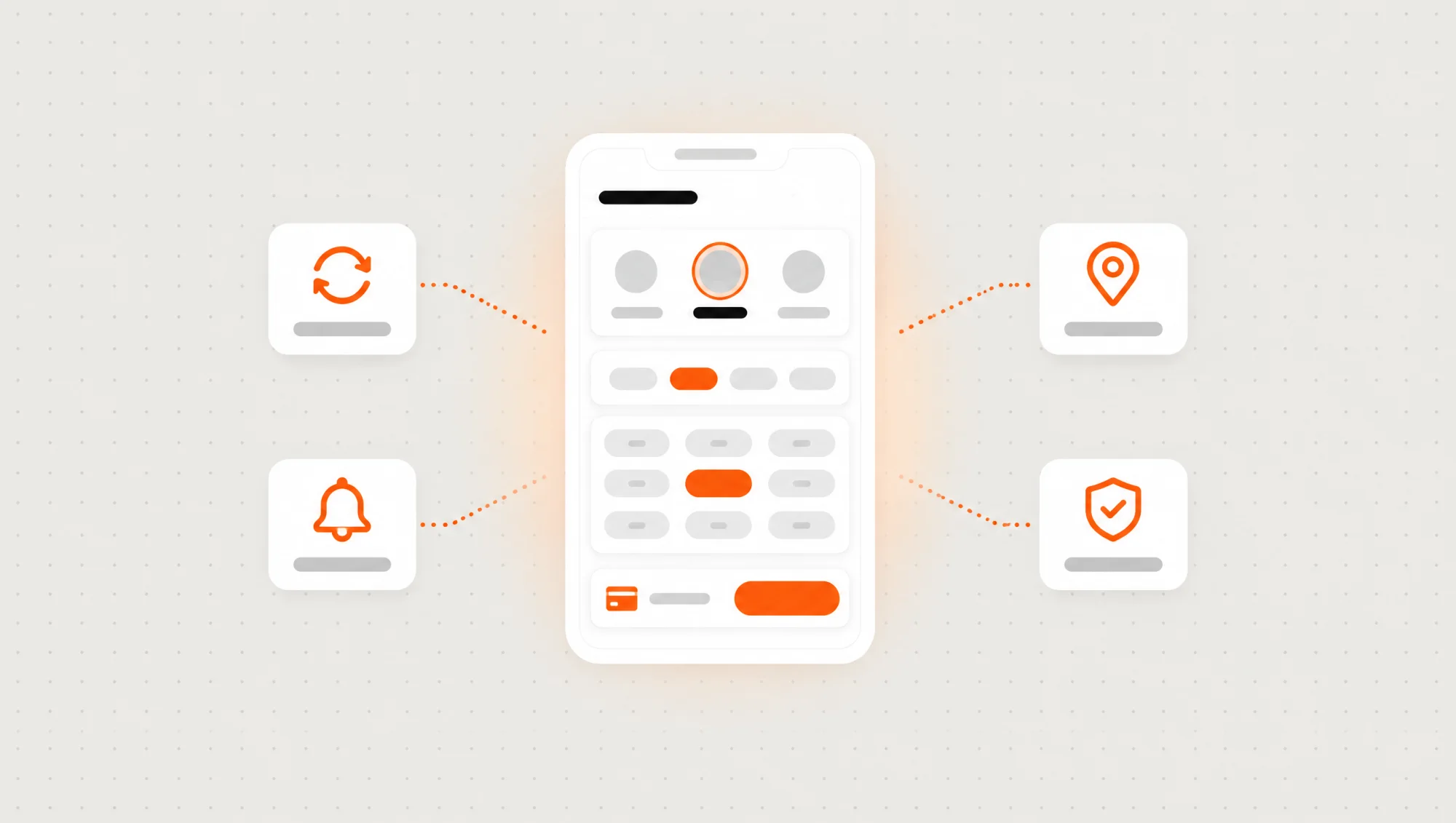
- Real availability. What the customer sees as free is free: it respects each service's length, breaks, holidays and the time between appointments.
- Booking without an account. Name, phone and done. Asking for a password to book an appointment makes more people leave.
- Confirmation and reminders. By email or WhatsApp, with the option to confirm, cancel or reschedule without calling you.
- A deposit, if you need one. A card payment at booking and clear cancellation and refund rules.
- Several staff and locations. Each with its own hours, services and view of the schedule.
- A panel for you. Today's schedule, blocking time off, booking people who call you and seeing each customer's history.
- Reports. Appointments per week, cancellations, no-shows and the most requested services.
All of this works in the phone's browser, with nothing to download. Most businesses don't need an app in the store; we explain when you do in Mobile app for your business: when it makes sense and when it doesn't.
WhatsApp reminders: what you need to know
It's the most requested feature, and it can be done. But WhatsApp has rules:
- They're sent through the official WhatsApp Business API. Not from the business phone with a program driving it: those shortcuts risk Meta banning the number.
- Messages you send first need an approved template. An appointment reminder is a "utility" template: you write it once, Meta reviews it and the system fills in the name, day and time.
- Meta charges per template message, depending on the message type and the country. It's a cost separate from the system that depends on how many appointments you have.
The confirmation can go by email and the reminder by WhatsApp, where your customers will actually see it. Many businesses use both.
What else is worth automating, and with which option, is in Automating WhatsApp and Instagram in your business: when it makes sense.
What drives the price of a booking system
We won't give you a number here, because it depends on how your schedule works. What we can tell you is what makes it go up or down:
- How many rules your schedule has. One service and one person is simple; several locations, rooms or teams, services of different lengths and packages is more work.
- Whether it takes payments. Deposits, full payment, refunds and cancellation rules.
- Reminders. Email only is the simplest; WhatsApp adds setting up the API and the templates.
- Connections. With Google Calendar, your customer list, your inventory or your invoicing.
- Whether it's part of a bigger system. The schedule is often one part of a system that also handles customers, sales or records.
As a reference, a web system takes us 6 to 12 weeks, and a schedule with few rules tends to land at the low end of that range. We send you a fixed price in writing after we talk.
How we build your booking system at Vareliuu
It's part of our web systems and our custom software. This is how we work:
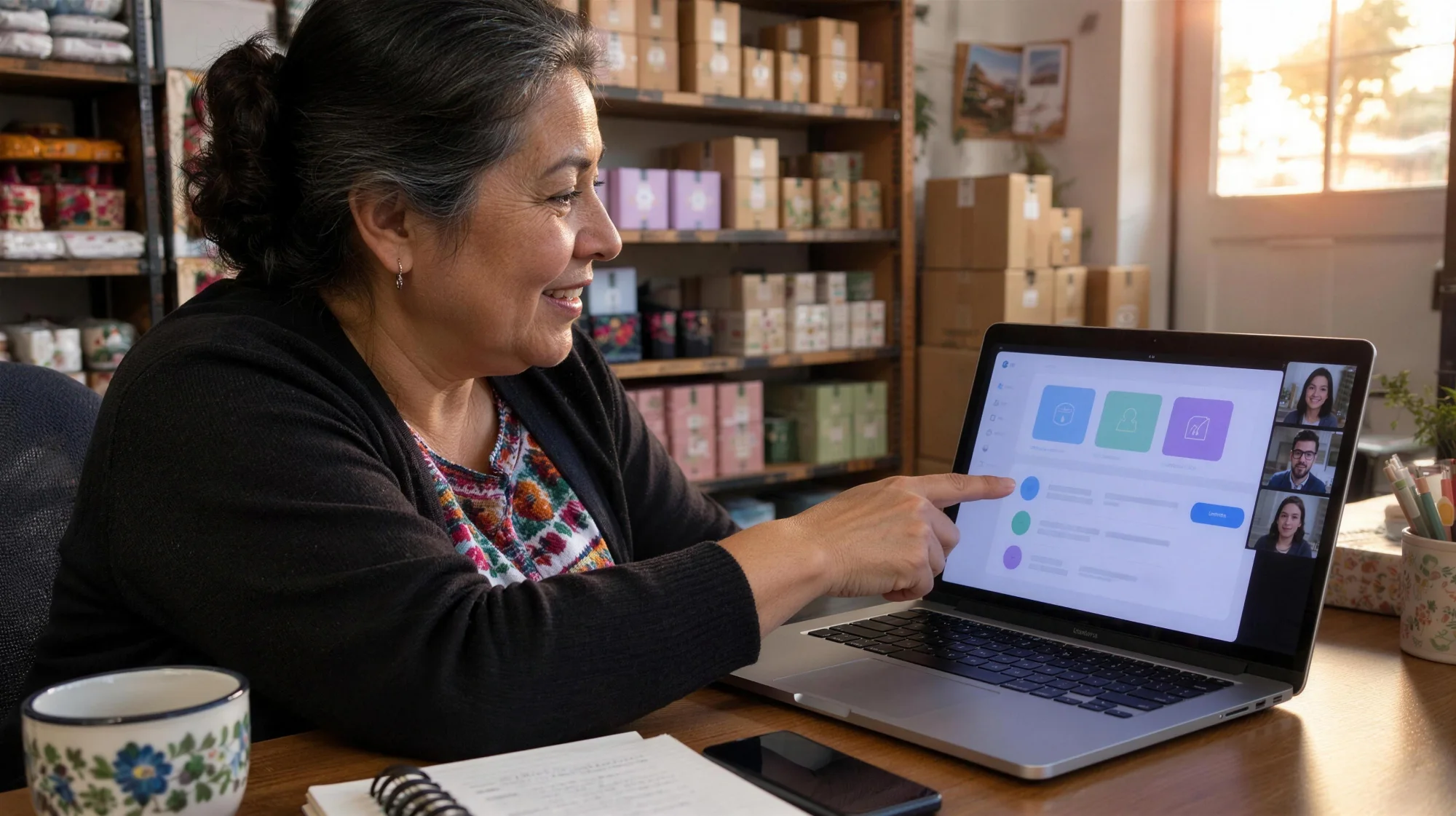
- You tell us your problem. On WhatsApp or in a 20-minute call: how you book today, what falls through the cracks and how many people or locations take appointments. If an off-the-shelf scheduler is enough, we tell you.
- We write down your schedule's rules. Services, durations, hours, breaks, deposits and cancellations, in a document you review.
- A written quote. Scope, timeline and price in a clear document, in two or three days.
- Progress every Friday. We work in weekly sprints: every Friday you try what's new from your phone or computer.
- Launch with your data. We load your services, hours and customers, and leave the booking link ready for your website, your Google profile and your social media.
- Everything in your name. The code, the domain and your customers' data stay in your name.
If your schedule lives in WhatsApp, a notebook or an app you've outgrown, tell us your problem on WhatsApp and we'll tell you which option fits, even if the answer is an off-the-shelf scheduler.
Preguntas frecuentes
What is an online booking system?
It's a page, or a part of your system, where your customers see your free times, book theirs and get a confirmation and a reminder, while you see your whole team's schedule in one place.
How much does a custom booking system cost?
It depends on how many rules your schedule has, whether it takes deposits, whether it sends WhatsApp reminders and what other systems it connects to. Tell us how you book today and we send you a fixed price in writing.
Do I need an app for my customers to book?
Almost never. A booking page that works in the phone's browser does the job and doesn't ask anyone to download anything. An app makes sense if your customers come back often and use other features besides booking.
Can it send WhatsApp reminders?
Yes, through the official WhatsApp Business API and a template approved by Meta. Meta charges for each template message, separately from the system.
Can I take a deposit at booking?
Yes. The customer pays by card when booking and the system applies your cancellation and refund rules.
Does it connect with Google Calendar?
Yes. Appointments can show up in each team member's calendar, and what they already have booked there can block those times.